Question

Connection to CommServe is lost

  • January 16, 2023
  • 4 replies
  • 366 views

Forum|alt.badge.img

Hello guys.


I was using the Commcell Console normally without problems, from one day to the next, without any change, an error started to be displayed "Commserve Connection is lost, Do you wnat to reconnect?".
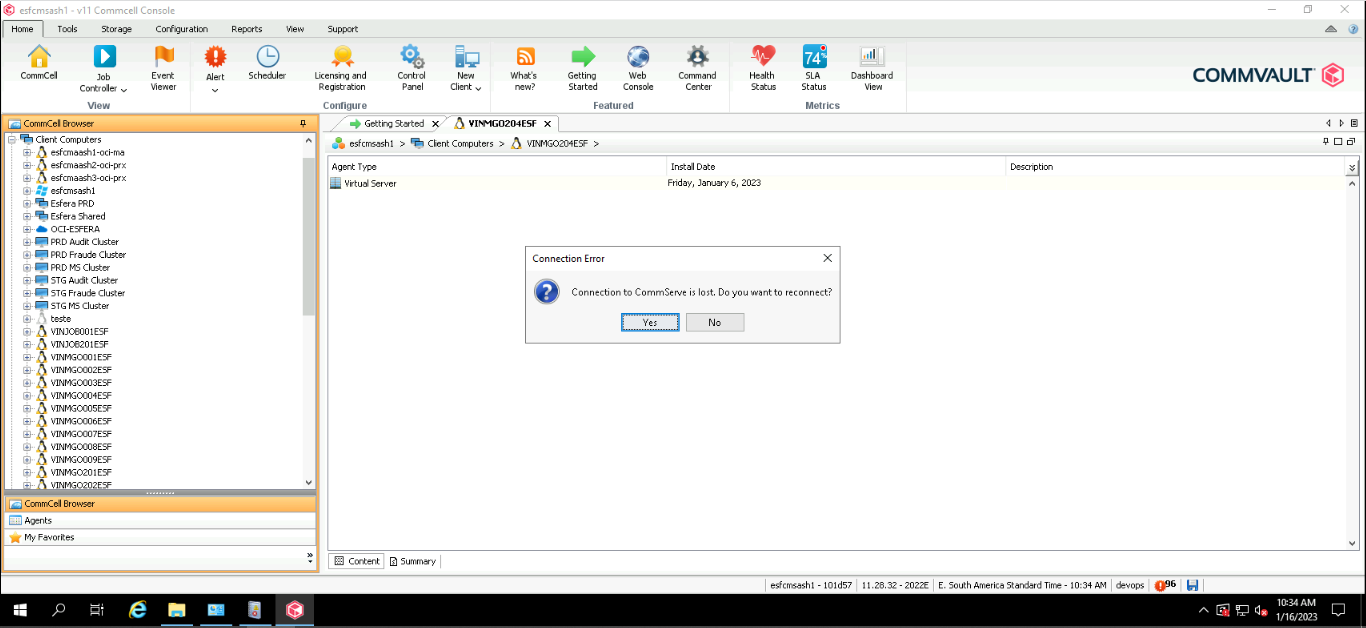


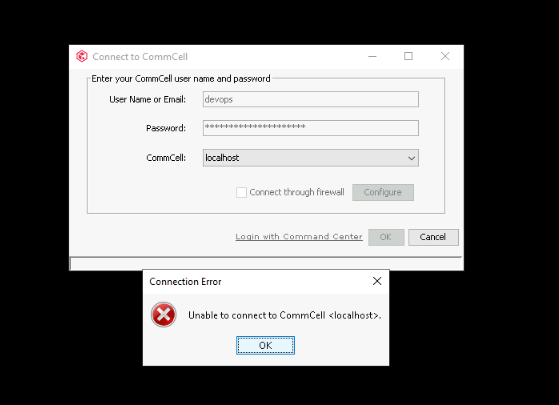
Clicking on "yes", the user and password are asked again, and after inserting it, the same error is displayed, and the console no longer logs in.


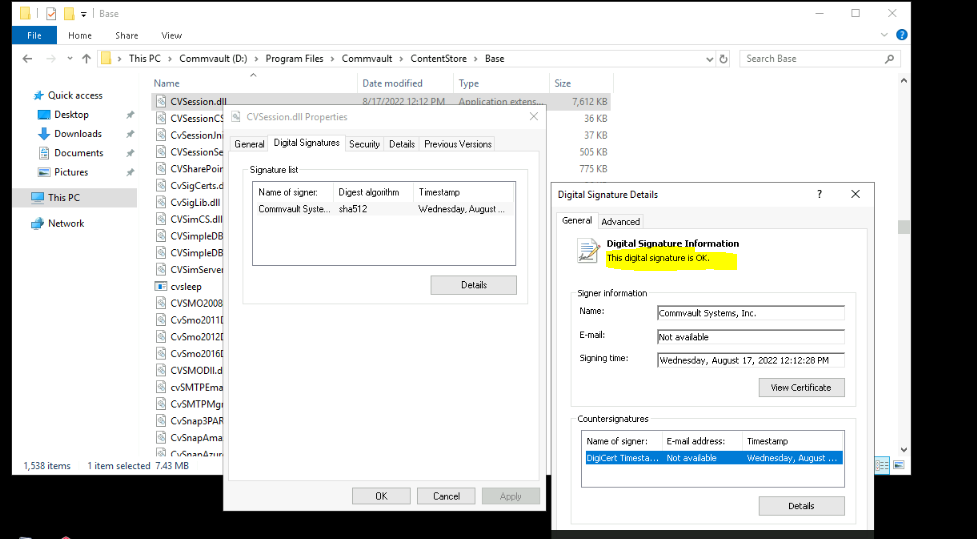
I followed the steps in this documentation, “https://kb.commvault.com/article/54133” which says it is a certificate problem related to the "CVSession.dll" file, but looking at the certificate, the certificate is installed correctly and is not expired. What should I do in this case?


4 replies

Forum|alt.badge.img
  • Author
  • Novice
  • January 16, 2023

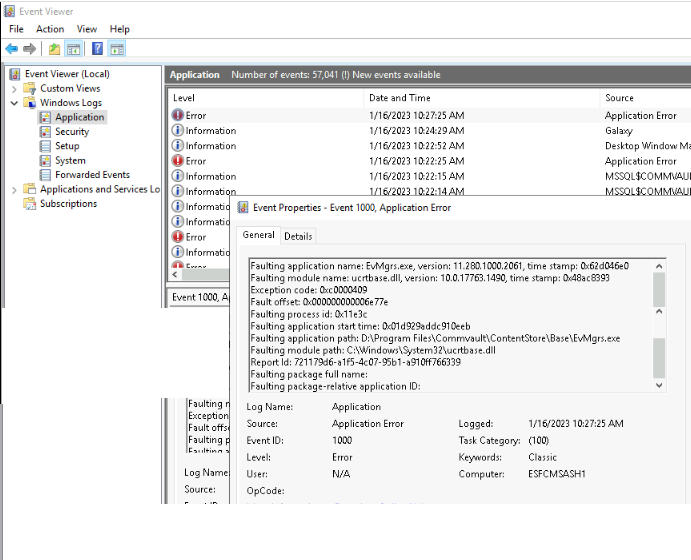
Just another information, follow the Windows Event Logs


Ralph
Vaulter
Forum|alt.badge.img+7
  • Vaulter
  • January 16, 2023

@Danilo Silva Hi Danilo,
have you checked if all CVLT services on the CommServe are running?
Maybe a reboot of the CommServe would be helpful.


Forum|alt.badge.img
  • Author
  • Novice
  • January 18, 2023

Hi,
Thanks for the answer,

   After updating Commvault to the latest version (11.28.36) the problem is solved, maybe with a reboot would also solve it, but we prefer to update the version, anyway it's solved

Thx.


Damian Andre
Vaulter
Forum|alt.badge.img+22
  • Vaulter
  • January 19, 2023

Yup that service (EvMgrS) handles console connections - so that was the cause. In 11.28.25 and above there was an update for this service. Not sure if it relates to your exact issue but its the only one I could find: