




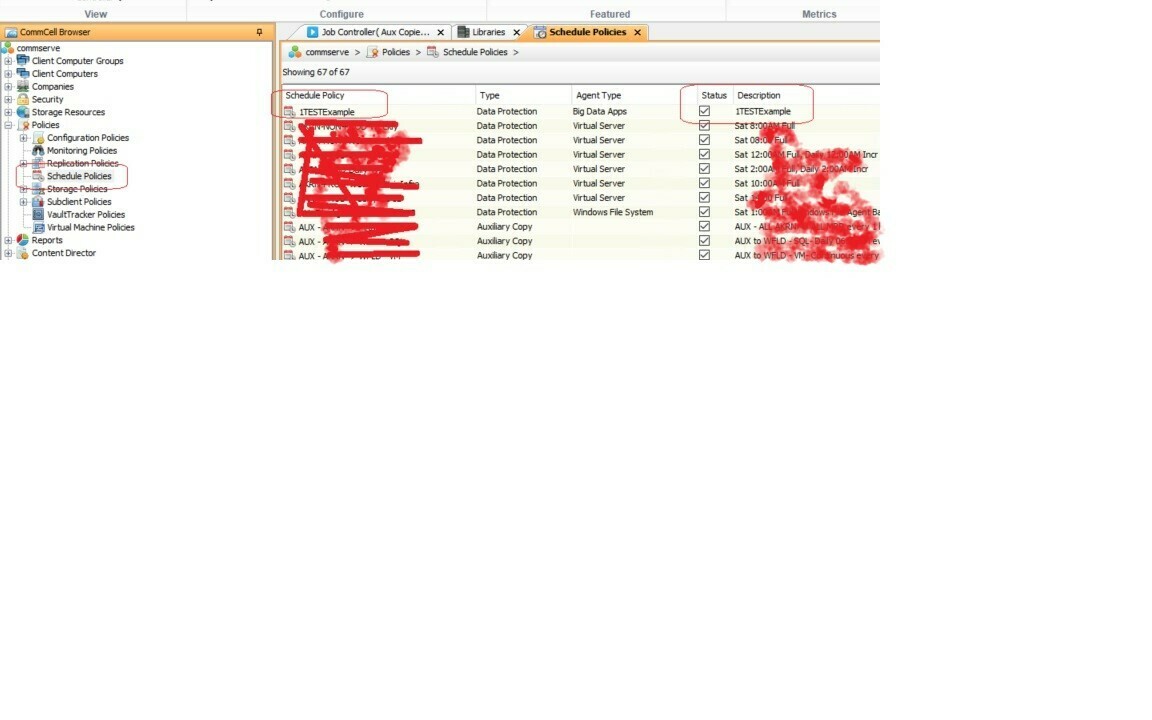
I am using the CV Powershell module found on GitHub - Commvault/CVPowershellSDK: Developer SDK - Powershell. I can successfully log into our Commvault server and run get-cvjob commands just fine so i know it is authenticating and working. What I am having trouble with is using the command Get-CVSchedulePolicy. When I just run it by itself, I get the output INFO: Get-CVSchedulePolicy: no policies found. I have a ton of Schedules. My goal is to disable an existing. Schedule Policy using the command Disable-CVSchedulePolicy. I am using an account that has full Commvault permission, and I can do this in the Commcell Java client just fine. What am I missing trying to see all the existing Schedule Policies and then disabling one of them via powershell? I looked at this Get-CVSchedulePolicy (commvault.com) and tried various swithes. Please help.
Trouble with CVPowershellSDK module Get-CVSchedulePolicy
 +1
+1- Novice
Best answer by Onno van den Berg
I think your problem lies in the fact that it is a kind of a mess when it comes to the location where you can find the SDKs. There are currently still two repos and you were pointing is the older one. So, please look into:
https://www.powershellgallery.com/packages/CommvaultPowerShell
There is some documentation here but very limited. Right now all cmd-lets of the V1 version were added to the V2, so it should be able to deliver the same functionality.
https://github.com/Commvault/CVPowershellSDKV2
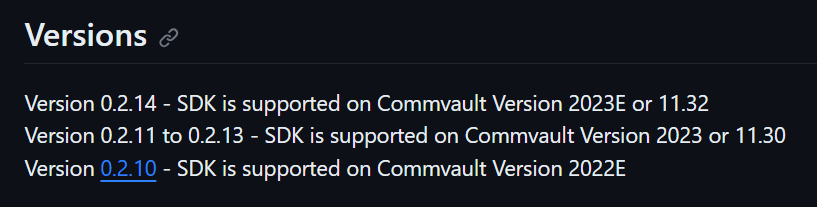
Mind the Commvault version that you are running:
I hope one day we will get a development oriented portal that acts as the central go-to place for all automation initiatives and code repositories.






Readiverse Academy Certifications

Enter your E-mail address. We'll send you an e-mail with instructions to reset your password.