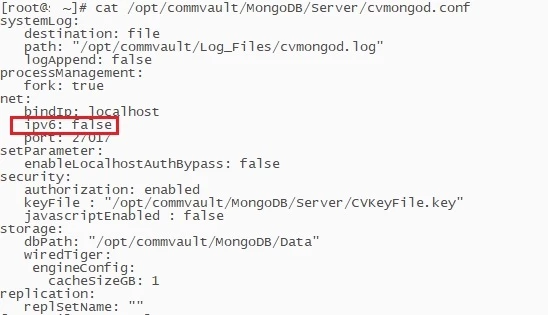
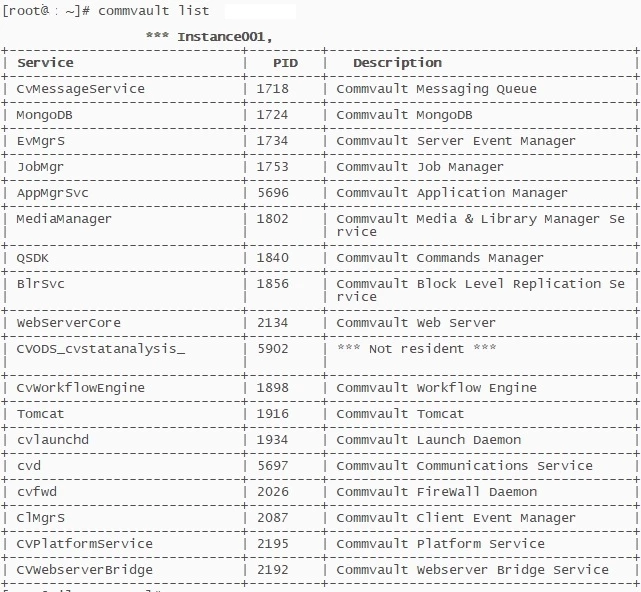
Hi Commvault Commnuity
We are doing a POC installing Commcell 11.40.X on Linux. The Linux distribution is RHEL 9.6. After installing Commvault, the installation seems to be successful, but when we run “systemctl status commvault”, we see the following error messages:
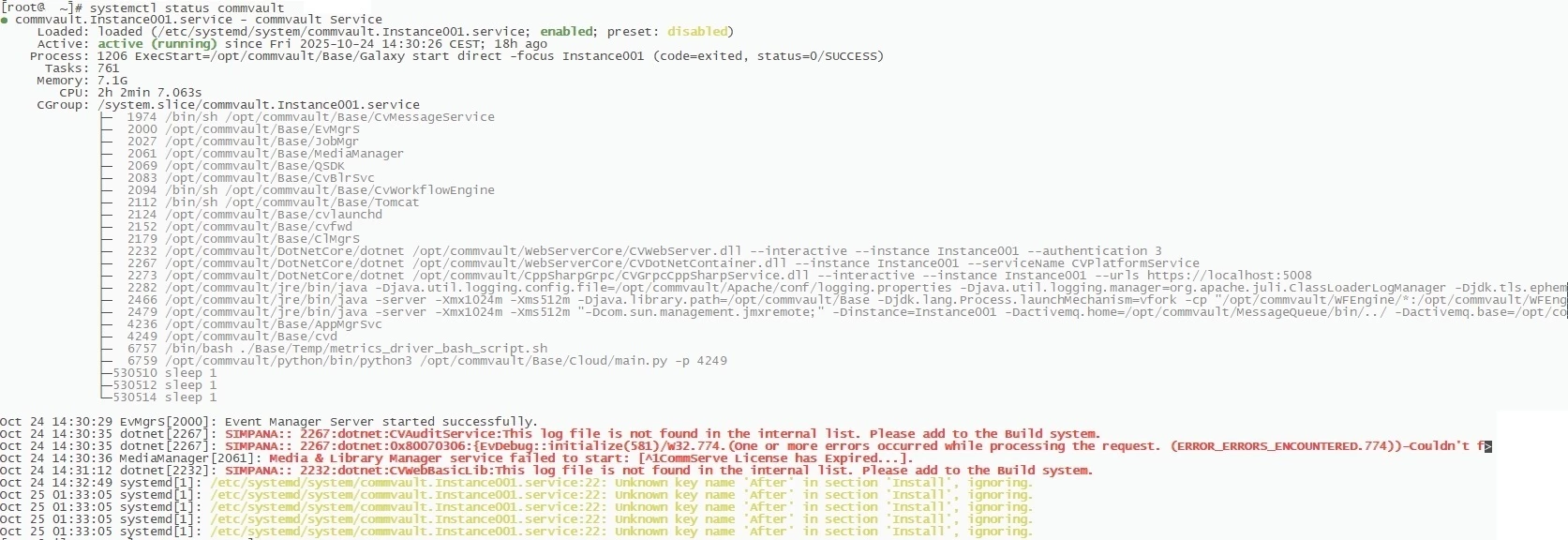
The first error message appears in “dotnet CVAuditService This log file is not found in the internal list” Looking at the logs, it seems that it’s unable to start MongoDB.
CVAuditService.log “Failed to connect to MongoDB client [localhost]]]. Please check CVMongoDBDriver.log for more details.”
CVMongoDBDrive.log “One or more errors occurred while processing the request”
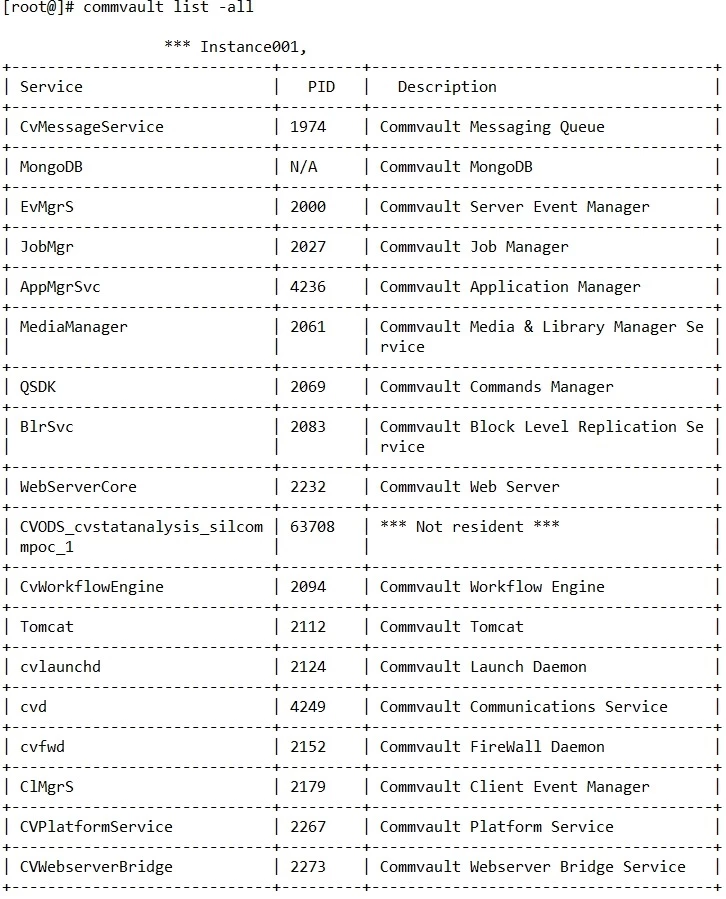
The second error is “/etc/systemd/system/commvault.Instance001” Unknown key name 'After' in section 'Install'”
cat /etc/systemd/system/commvault.Instance001
[Unit]
Description=commvault Service
StartLimitIntervalSec=600
StartLimitBurst=60
#CVSU_Version=4
[Service]
EnvironmentFile=-/opt/commvault/Base/Temp/Galaxy.env
TasksMax=infinity
Type=forking
ExecStart=/opt/commvault/Base/Galaxy start direct -focus Instance001
ExecStop=/opt/commvault/Base/Galaxy stop direct -focus Instance001
RemainAfterExit=yes
KillMode=none
LimitNOFILE=262144
TimeoutSec=900
Restart=on-failure
RestartSec=5
[Install]
WantedBy=multi-user.target
After=network-online.target
Alias=commvault.service
Alias=simpana.service
Alias=simpana.Instance001.service