@ak2
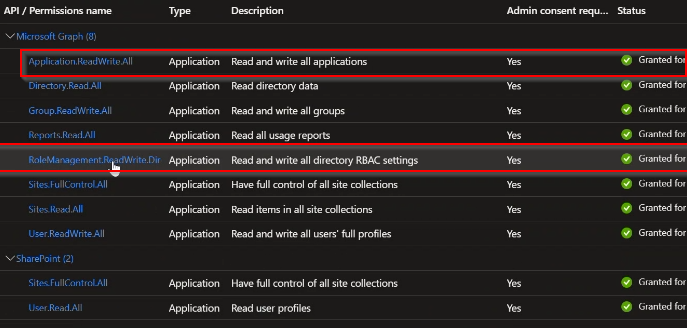
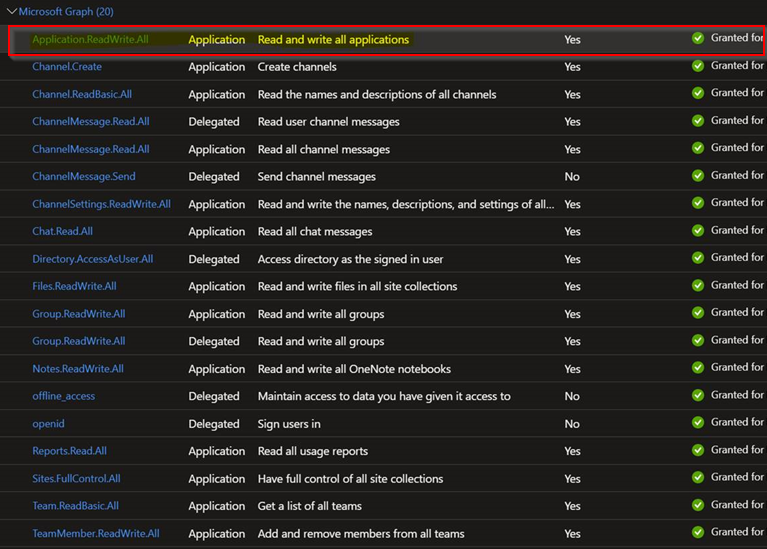
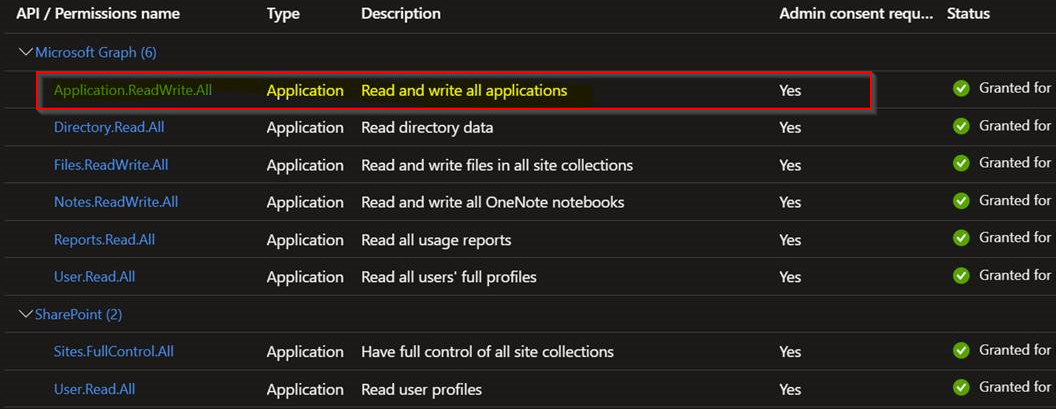
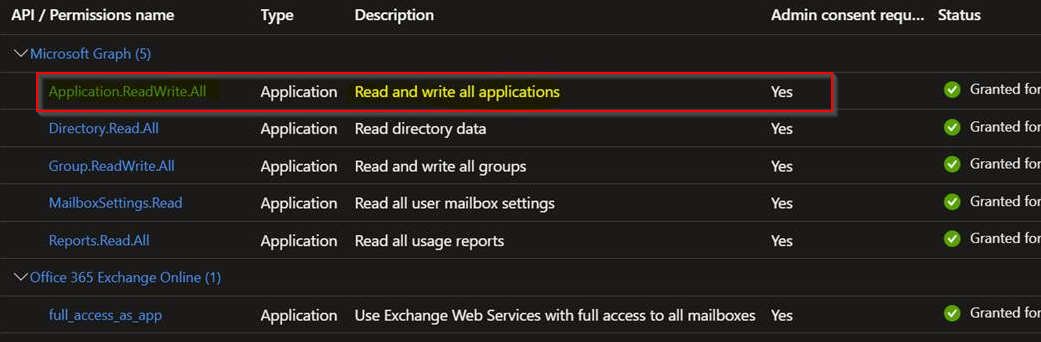
Q1: Why do the Azure Apps need "Application.ReadWrite.All" permissions?
A1: This permission is need to maintain reply URL. Additionally, needed to run verify connection.
Here are list of other permissions and why we need them:
Directory.Read.All - This permission is needed to get user list and for licensing.
Group.ReadWrite.All - This permission is used to scan Microsoft 365 Groups.
Reports.Read.All - This permission is not mandatory. It is required for a future feature support in a later SP.
RoleManagement.ReadWrite.Directory - This permission is used to assign Sharepoint admin role to service account. This is not a mandatory permission.
Sites.FullControl.All - This permission is used for backup and restore (read site content and site stats). Sites.Read.All - This permission is needed for backups and restore (read documents and list items). User.ReadWrite.All - This permission is used to discover users.
Q2: Why does the Azure Application for SharePoint Online need "RoleManagement.ReadWrite.Directory" permissions?
A2: It was required in earlier releases, FR28+ no longer requires it (hence not listed). Can be removed.
I hope this helps.
Regards,
Chris