Solved

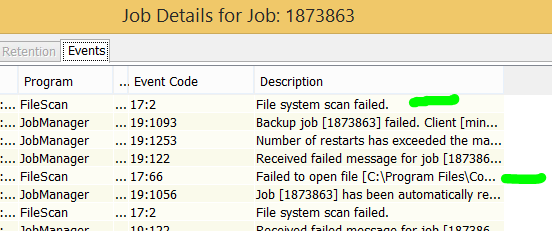
Failed to open file, File scan failed

  • May 26, 2021
  • 3 replies
  • 6820 views

Forum|alt.badge.img+9


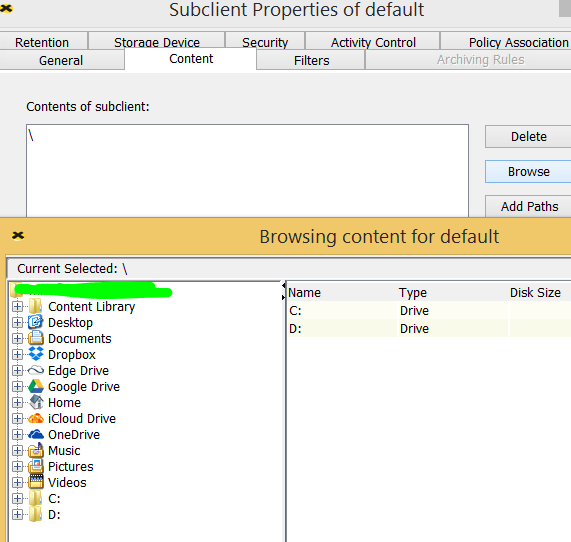
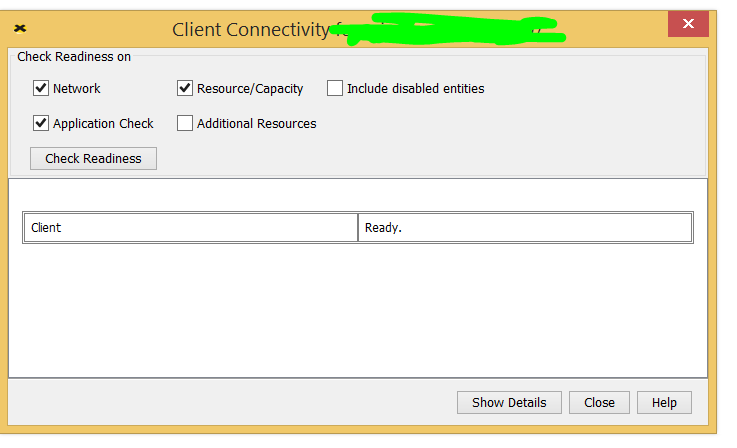
Question: I have a client that check readiness passes, I can browse to the drives, but its failing to backup.

I know in the past a reboot of the client solves this issue, what logs can I look at that tell me the reason for this.


Failed to open file [C:\Program Files\Commvault\ContentStore\iDataAgent\JobResults\CV_JobResults\iDataAgent\FileSystemAgent\2\6344\SysStateColInc.cvf] for output. Check that the file is not in use by another program. The open attempt returned error [The operation completed successfully. (ERROR_SUCCESS.0), First attempt to delete failed, checking attributes for retry attempt, File=[\\?\C:\Program Files\Commvault\ContentStore\iDataAgent\JobResults\CV_JobResults\iDataAgent\FileSystemAgent\2\6344\SysStateColInc.cvf], AccessedBy=[C:\Program Files\Commvault\ContentStore\Base\CLBackup.exe (69372)] (W32.0)].


Best answer by Aplynx

So it looks like the scan process is attempting to access the Job Results at the same time the client backup process is. Are there multiple backups running on this machine at the same time? Is there a clbackup process still running if you shut down the commvault services on the client? If there is a hung process then that would cause this issue.

More detail on AV exclusions: Recommended Antivirus Exclusions for Windows (commvault.com)

3 replies

MFasulo
Vaulter
Forum|alt.badge.img+11
  • Vaulter
  • May 26, 2021

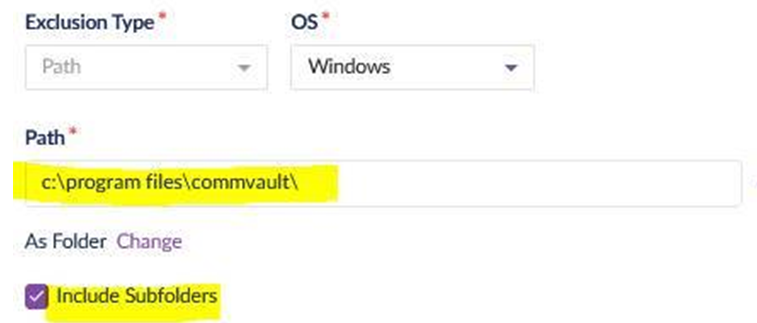
If there is virus scan or endpoint software on this box, can you make sure that path “C:\Program Files\Commvault\ContentStore”  is excluded from scanning?  


Forum|alt.badge.img+9
  • Author
  • Novice
  • May 26, 2021

@MFasulo There is an exclusion in place 


Aplynx
Vaulter
Forum|alt.badge.img+12
  • Vaulter
  • Answer
  • May 26, 2021

So it looks like the scan process is attempting to access the Job Results at the same time the client backup process is. Are there multiple backups running on this machine at the same time? Is there a clbackup process still running if you shut down the commvault services on the client? If there is a hung process then that would cause this issue.

More detail on AV exclusions: Recommended Antivirus Exclusions for Windows (commvault.com)