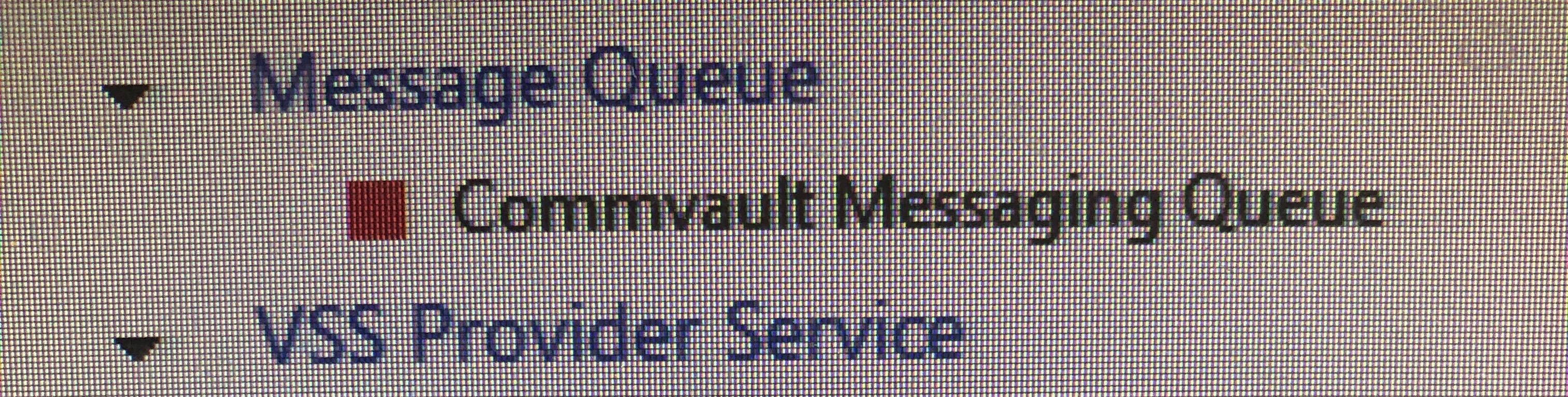
i start meesage queue.
but it stops right away
Is the backup okay?
What is the role of Message Queuing?
What should I do?
i start meesage queue.
but it stops right away
Is the backup okay?
What is the role of Message Queuing?
What should I do?
Best answer by Mike Struening
Most likely, the port it wants to use is in use by something else.
Try this:
- Stop Commvault Messaging Queue service.
- Open command prompt as Admin
- Navigate to Commvault base folder. Ran qlogin.
- Once logged in, run the following command to configure 'CvMessageQueue' to use static ports: qoperation execscript -sn UpdateActiveMqPort -si <commserveName> -si 8052 -si 8053 -si 8054 -si 8055 -si 8056 -si 8057
- Confirm that Qscript execution succeeded.
- Start Commvault Messaging Queue

Enter your E-mail address. We'll send you an e-mail with instructions to reset your password.