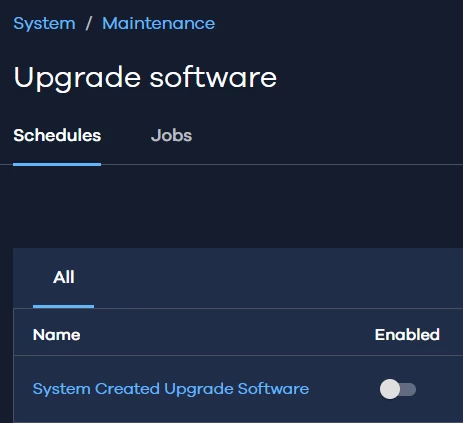



We recently had a scare when Commvault upgraded us to a new feature that we “Thought” our Media Agent couldn’t handle. Thankfully we were wrong but we want to disable auto updates. The ticket I had open they said to do the below. I can not find this option at all. When I do searches it talks about disabling it in the schedules but I am not seeing the updates in the commcell schedule either. Not sure what I am doing wrong.
Steps:
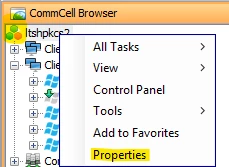
- Open the CommCell Console.
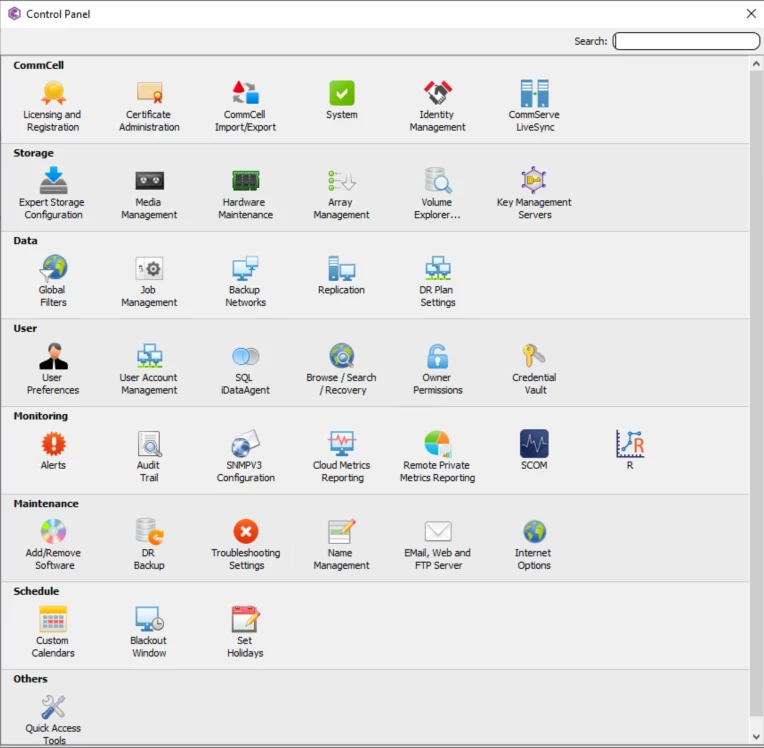
- Navigate to: Control Panel > Additional Settings.
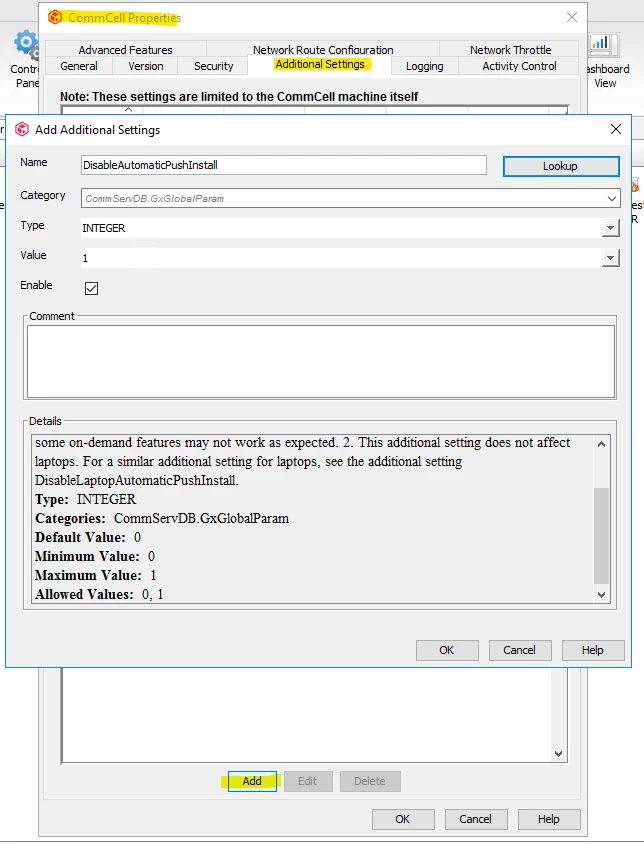
- Add a new setting:
- Name:
DisableAutomaticPushInstall - Category/Path:
CommServDB.GxGlobalParam - Type: Integer
- Value:
1
- Name: