I am currently running Commvault version 11.36.80, which manages a VMware vSphere cluster (version 8.0.3) through vCenter (version 8.0.3).
I would like to integrate a Proxmox cluster (version 9.0.1) into this environment.
When attempting to upgrade Commvault to version 11.40.26, I receive a prompt indicating that the SQL Server must be upgraded first.
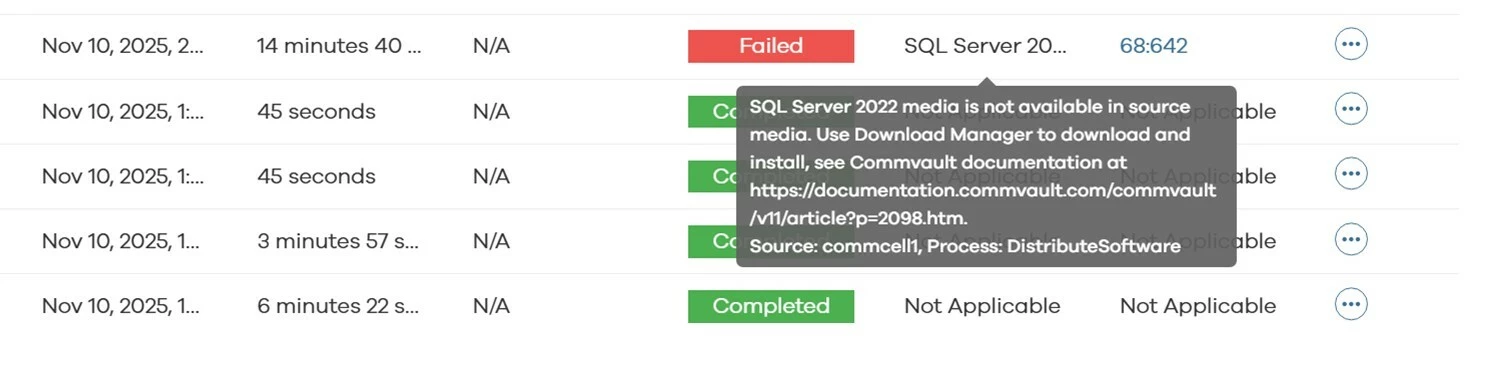
Below are the steps performed for upgrade SQL Server:
-
SQL Server 2022 Express Edition:
When I install SQL Server 2022 Express Edition, I am able to successfully upgrade Commvault to version 11.40.26.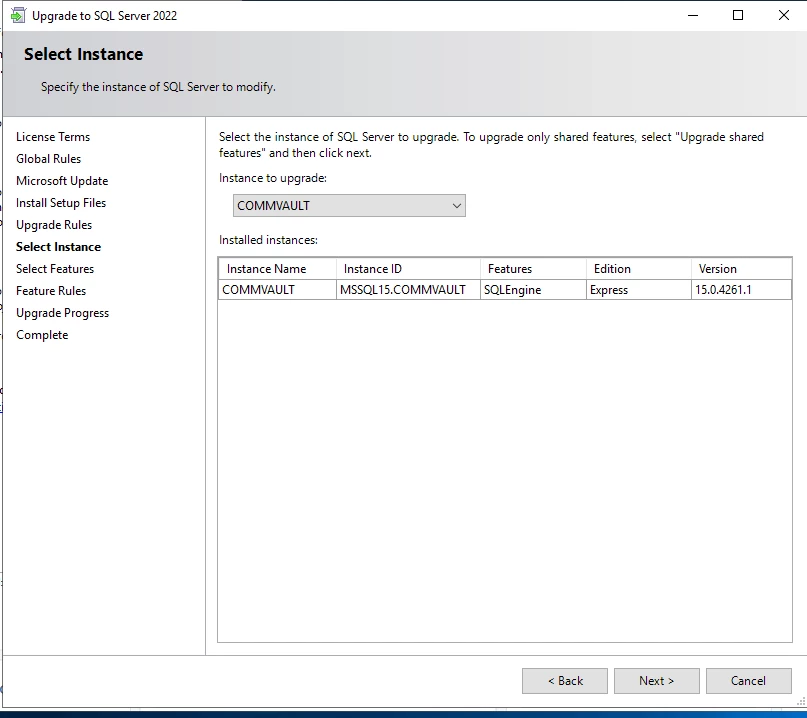

-
SQL Server 2022 Standard Edition:
When I install SQL Server 2022 Standard Edition, everything appears to complete successfully, but afterwards I am unable to upgrade Commvault to in any way.
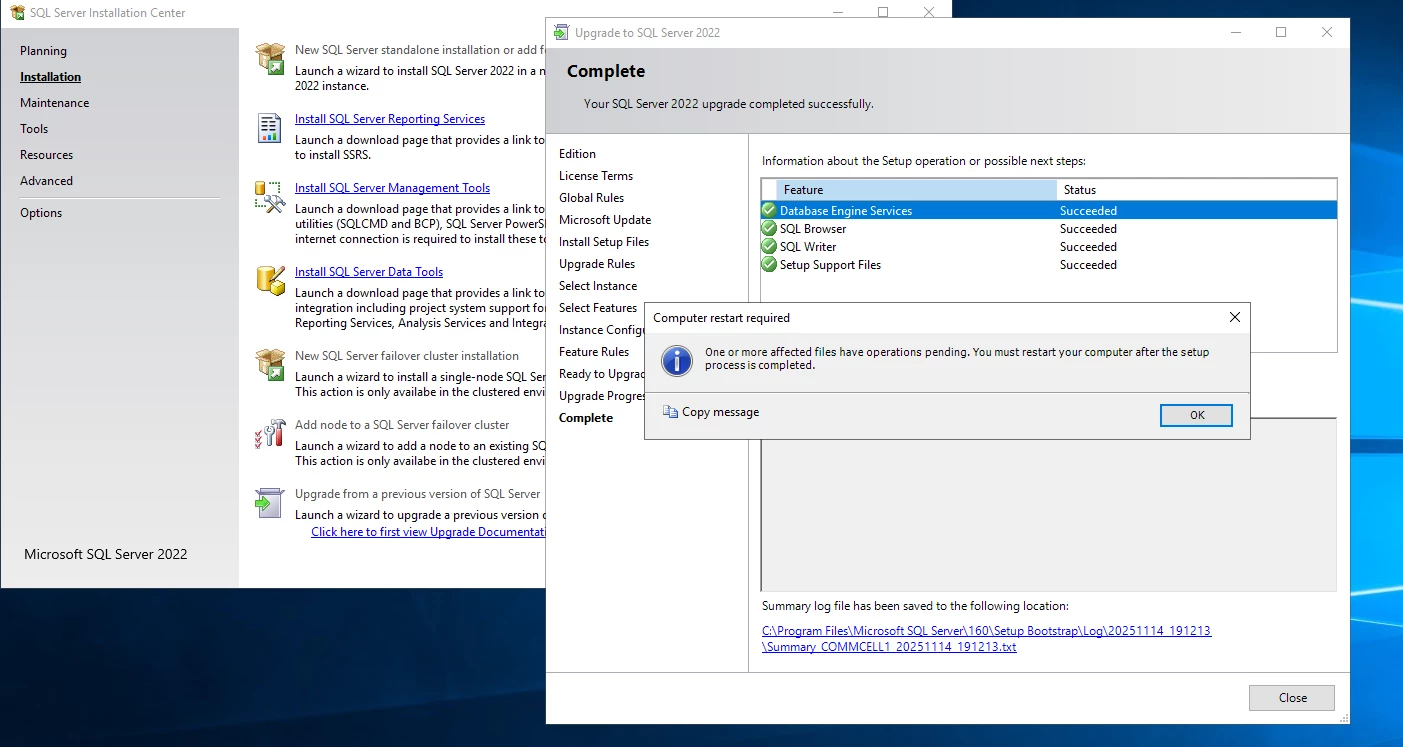
Q1: Can Commvault version 11.40.26 run reliably with SQL Server 2022 Express Edition without any limitations or known issues? Additionally, are there any specific prerequisites or considerations for using SQL Server 2022 Standard Edition with Commvault?
Thank you for your assistance.
Subject: Issue Adding Proxmox Hypervisor in Commvault
Description of Steps Taken:
-
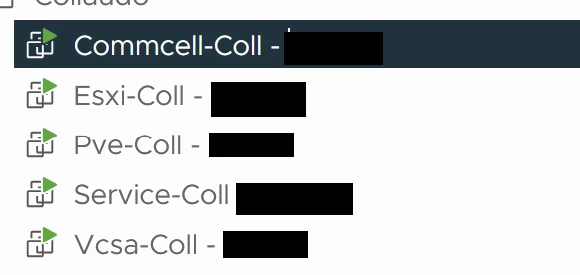
3) Deployed the following virtual machines on a VMware vSphere node:
- Commvault VM: Version 11.40.26 with SQL Server Express 2022
- Proxmox VE VM: Version 9.0.1
-
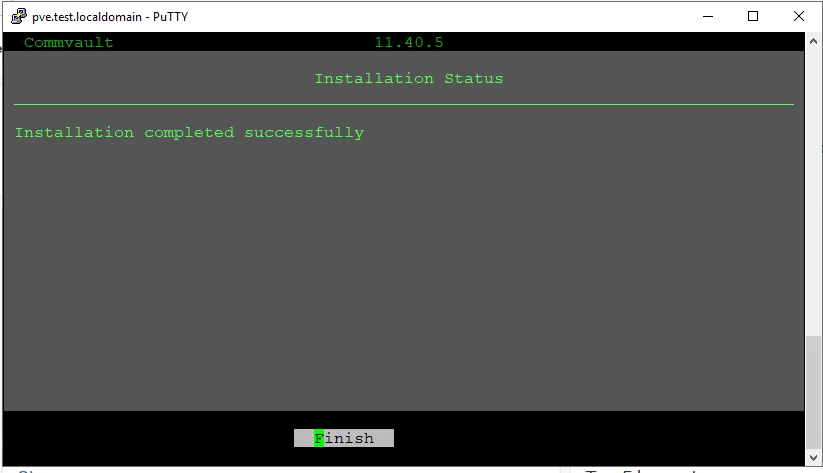
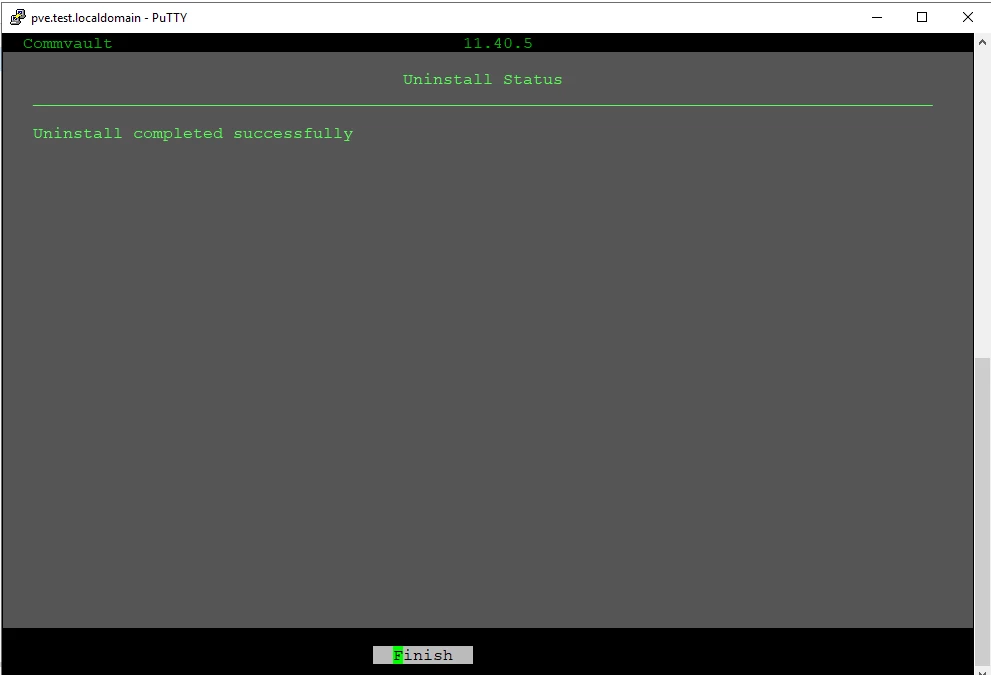
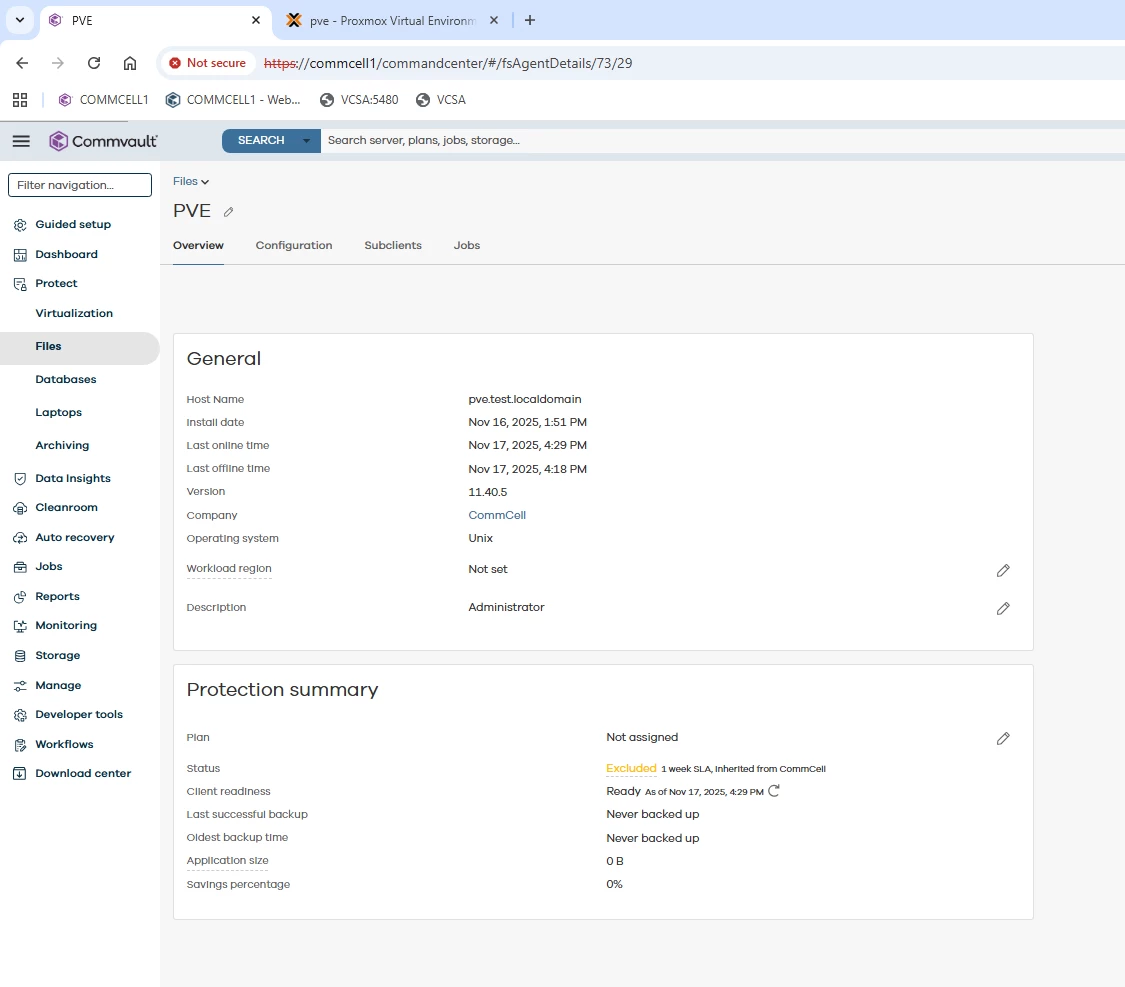
4) Installed the Virtual Server Agent (VSA) on the Proxmox node using the LinuxVirtualServer64.tar package.
-
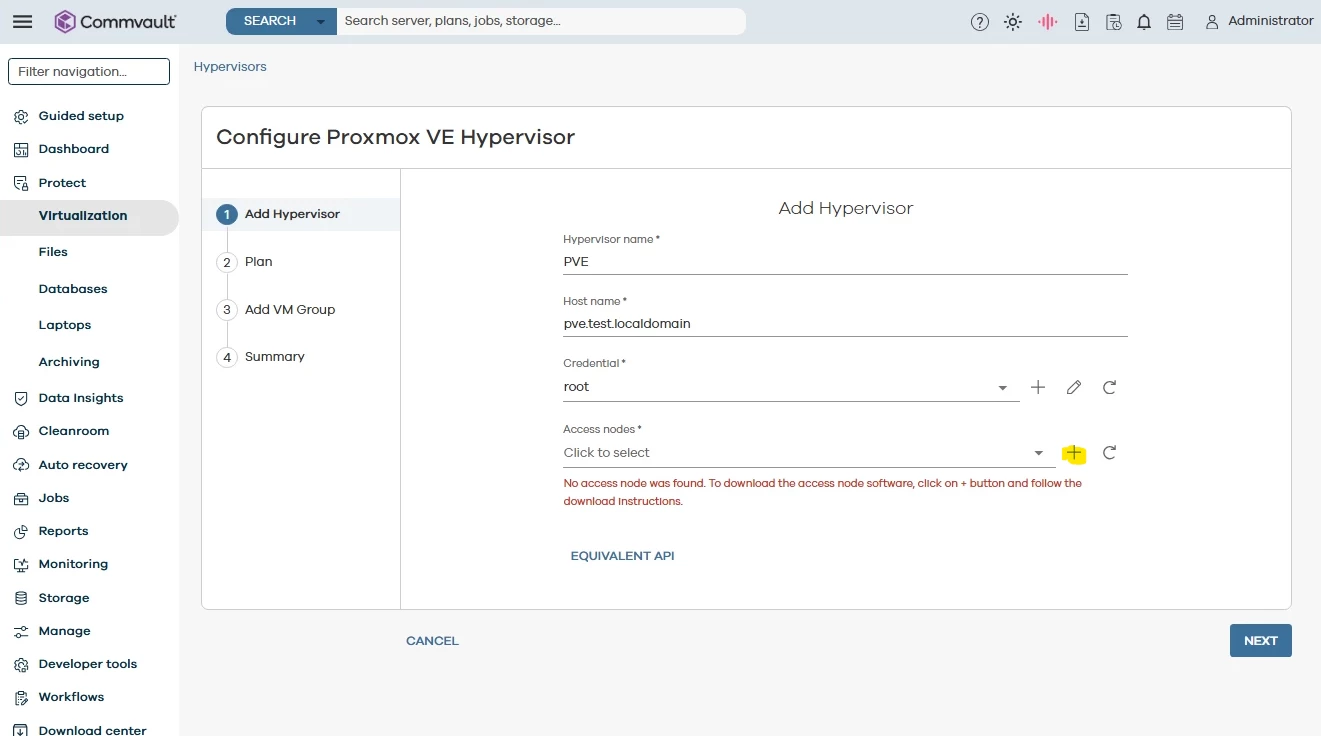
When attempting to add the Proxmox Hypervisor via the Add Hypervisor menu, no Access Node is available for selection.
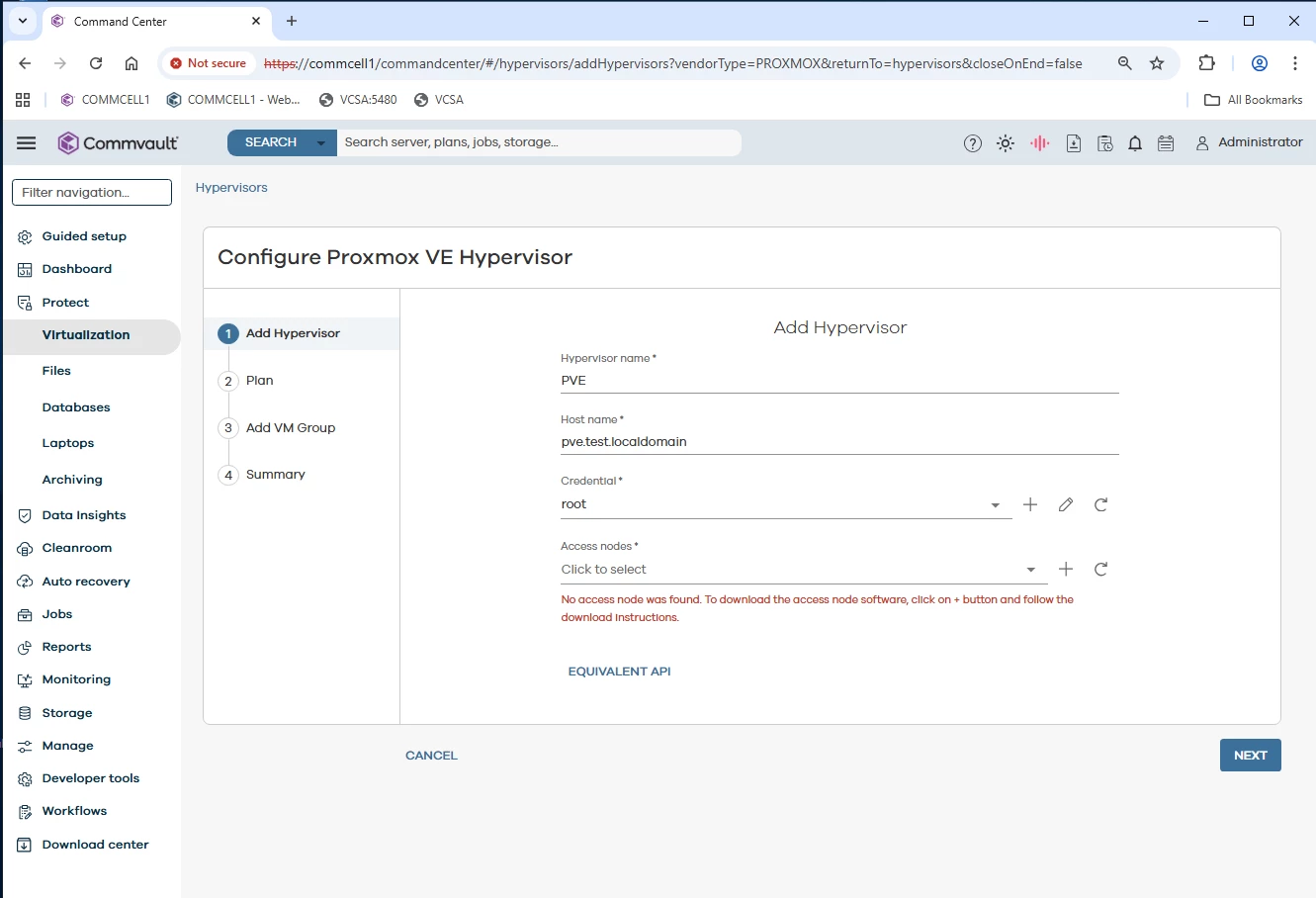
Q2: Could someone assist in troubleshooting why the Access Node is not appearing when adding the Proxmox Hypervisor?
Thank you for your assistance.