





Click Here to view the full webinar recording.
Commvault Presenters
Biswanath Das – Senior Technical Trainer
Prasad Nara – Senior Manager of Development
Webinar Recap
As organizations continue moving workloads and data to the cloud, backup environments are growing in scale and complexity. The Storage Accelerator Tech Talk discusses challenges with traditional backup architectures, where MediaAgents act as the data mover between clients and cloud storage. This dependency on MediaAgents can create bottlenecks, increase resource utilization, extend backup and recovery windows, and add operational overhead as environments scale.
The Tech Talk focuses on how Storage Accelerator changes the data path by allowing clients to write data directly to a configured cloud storage pool rather than sending backup traffic through a MediaAgent for data transfer operations. The MediaAgent remains active for metadata-related functions such as indexing and deduplication, but the client acts as the data mover.
The session also covers deployment, networking, and security considerations, including client-to-cloud connectivity, bandwidth requirements, direct client-to-cloud exposure, credential isolation, multi-tenant separation, encryption, and key rotation. It reviews built-in failover behavior, and explains that backup operations can automatically fall back to the MediaAgent path if direct cloud connectivity is unavailable.
FAQ
What is Commvault Storage Accelerator?
- Storage Accelerator allows supported backup operations to write data directly to storage instead of sending backup traffic through a MediaAgent. It avoids the backup traffic flowing via MA and in some scenarios, data can be written directly to the destination storage.
What is required for Storage Accelerator to work?
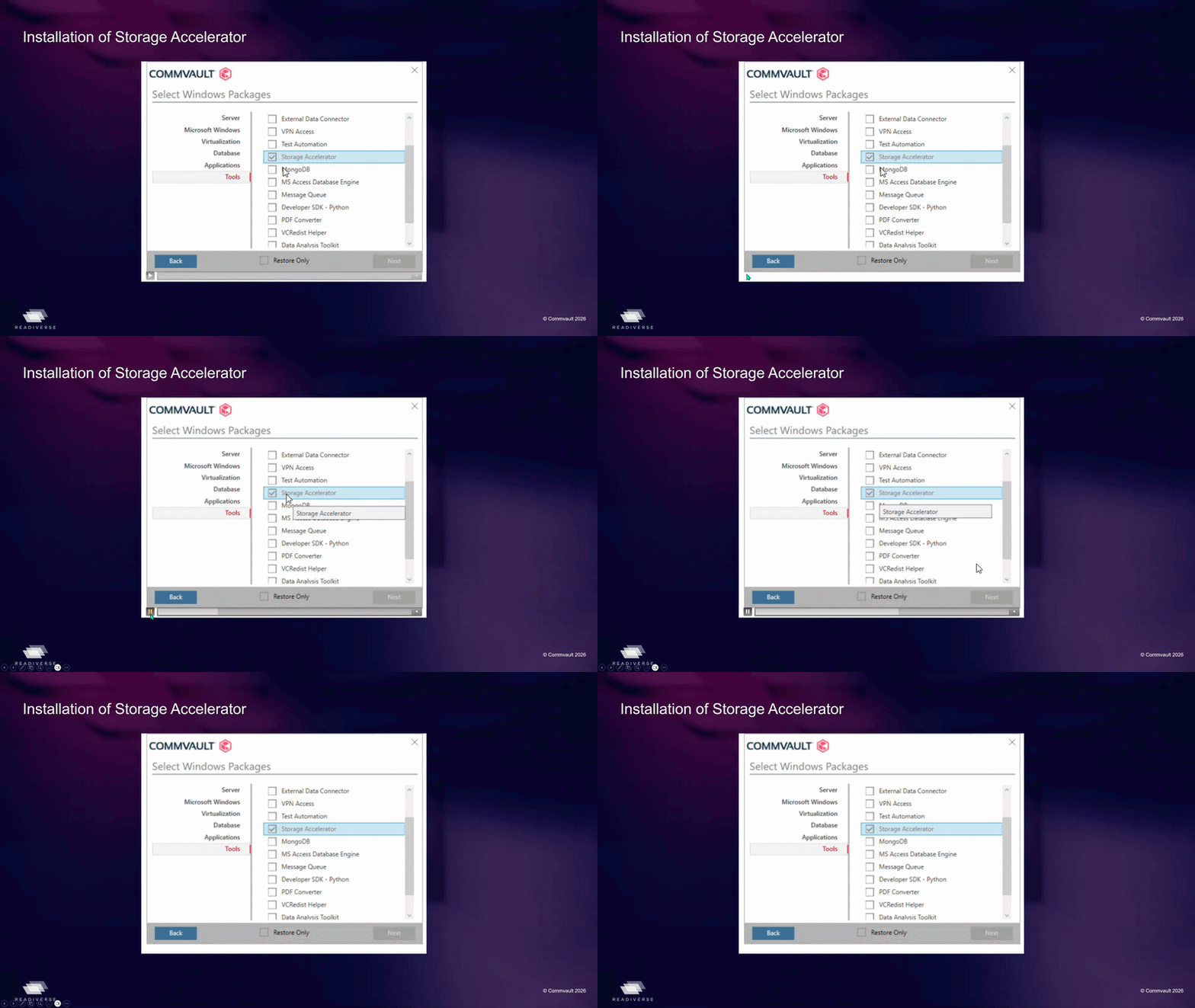
- Storage Accelerator package
- Client must have direct network connectivity to cloud storage
- Proper credentials to cloud Storage/Bucket
Can Storage Accelerator be used in multi-tenant environments?
- Yes. Best practice is to separate storage pools and ensure dedicated buckets/credentials per tenant.
How do you validate if Storage Accelerator is working?
- Check:
- Job details
- Data path (direct vs via MediaAgent)
- logs on client / MediaAgent
What happens if there is a network interruption?
- Backup falls back to MediaAgent path
- Ensures backup completion without failure
Can I disable auto fall back option by enforcing the SA option active?
- Yes it is possible with the additional setting: "bAllowSAFallbackGlobal"
- https://documentation.commvault.com/additionalsetting/ballowsafallbackglobal.html
- Enforcing at client level: "bAllowSAFallback"
- https://documentation.commvault.com/additionalsetting/ballowsafallback.html
What storage targets are supported?
- Storage Accelerator supports public cloud storage, S3-compatible object storage, HPE StoreOnce, and Dell Data Domain. It can be used with Public Cloud storage and any supported S3 -Compatible storage in On-Prem environments.
Does Storage Accelerator support both Windows and Linux?
- Yes, the feature is not OS-dependent and Linux is supported.
Does deduplication happen before data is sent to storage?
- Yes. Deduplication, compression, and encryption happen on the client before blocks are sent to storage.
Does client-side deduplication and compression affect client performance?
- There haven’t been major client-side performance issues with Storage Accelerator, but bandwidth should be considered when planning deployments.
Does Storage Accelerator work with restores?
- Yes, restores can use Storage Accelerator as long as the target client has direct access to the storage endpoint.
Will Storage Accelerator be used again after an issue is resolved?
- Yes, backups would fail back to Storage Accelerator after an issue is resolved.
Can Storage Accelerator be used with VM-level backups?
- Yes, VM-level backups are performed using an access node. If the access node and MediaAgent are different systems, Storage Accelerator can be used so the access node writes directly to storage instead of transferring data through the MediaAgent.
Does Storage Accelerator work with snapshots and IntelliSnap?
- Snapshots do not involve data movement. However, if a snapshot backup copy is being performed, Storage Accelerator can be enabled.
Is Storage Accelerator used for auxiliary copy operations?
- Yes, auxiliary copy operations use Storage Accelerator by default. Storage Accelerator is a subset of the MediaAgent package and is included with the MediaAgent.
Does backup retention affect Storage Accelerator?
- No, retention is not related to this feature and that Storage Accelerator is focused on avoiding backup traffic flowing through the MediaAgent.
Should separate cloud storage buckets be used for different business units?
- A single larger bucket can be used unless there is a need to isolate data for individual business units.
What is the best way to troubleshoot Storage Accelerator issues?
- Logging has been enhanced and that additional information can be found in job logs, as well as the cvd and clbackup logs.
Where can I find more information about configuring Storage Accelerator?
Is Storage Accelerator supported in Feature Release 11.40?
- Yes, Storage Accelerator is supported in Feature Release 11.40 and subsequent releases.
More Information
This FAQ summarizes questions and answers discussed during the webinar. For complete product requirements, supported configurations, prerequisites, and implementation guidance, refer to the official Storage Accelerator documentation.
