I am trying to push the media agent package on an Azure VM from the Metallic portal and it always fail with error 68:224 Description: Connection error. Check if services are running on client
Any idea what is causing this error?
Thank you.
I am trying to push the media agent package on an Azure VM from the Metallic portal and it always fail with error 68:224 Description: Connection error. Check if services are running on client
Any idea what is causing this error?
Thank you.
Best answer by Lukas3D
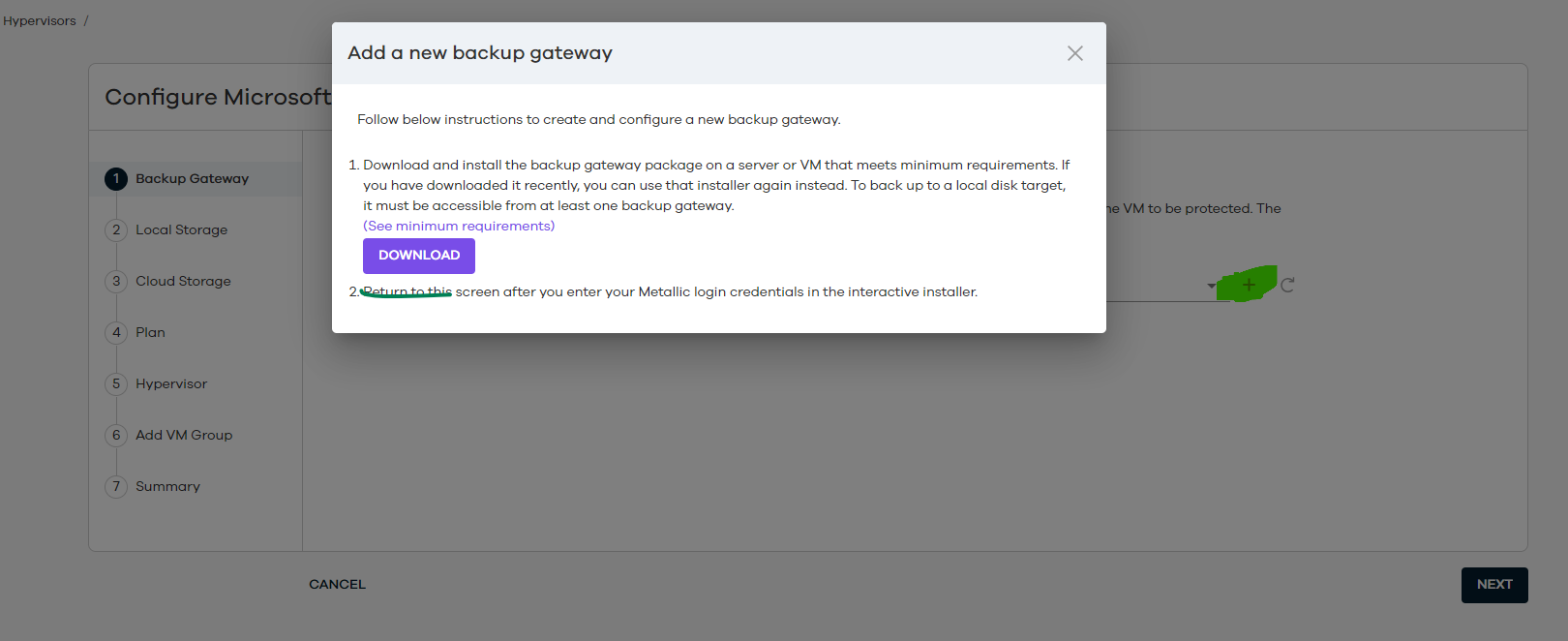
The problem is that push would be done from CommServe which is total outside of your network and domain, so it’s not possible without having software deployed first. Then once “seeding package” is installed traffic goes via Internet/https.
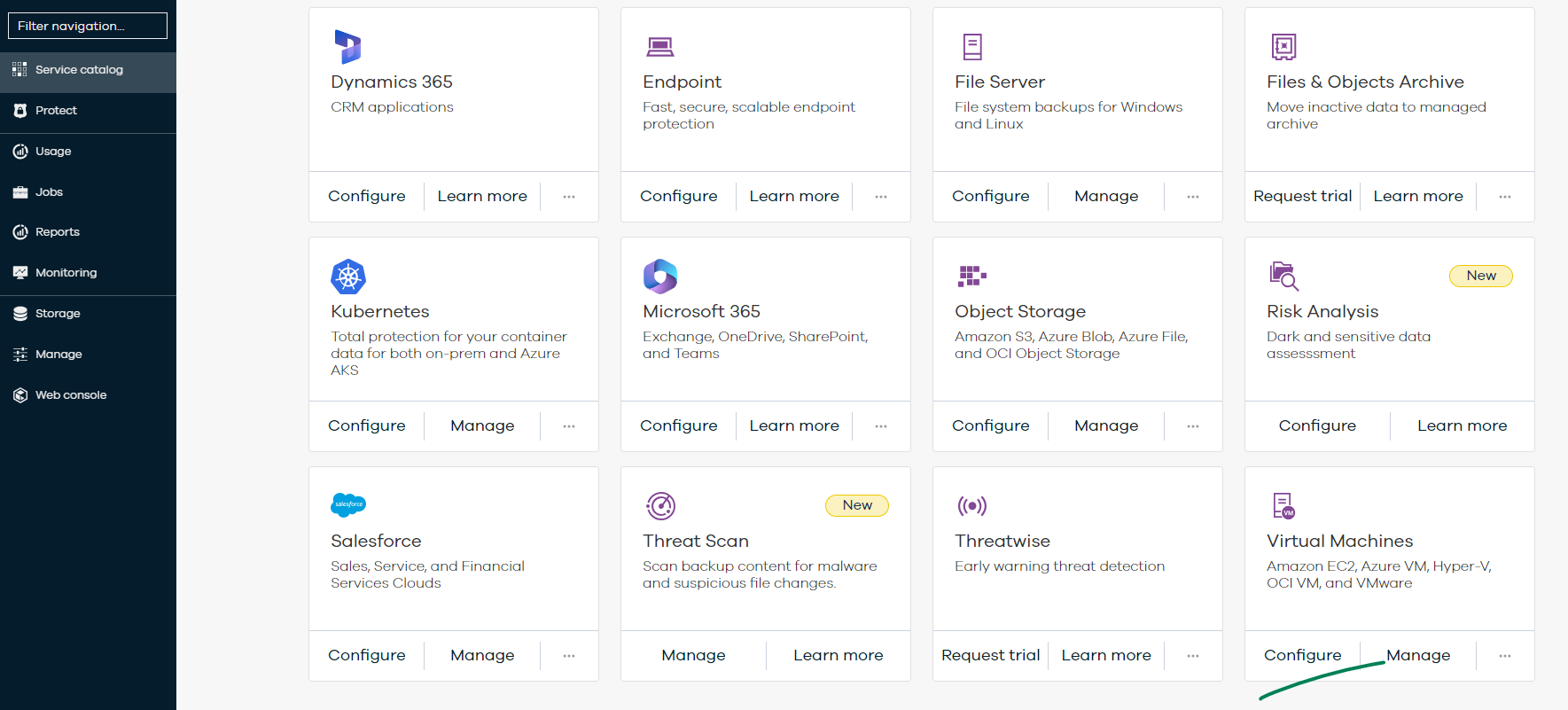
I order to get the installing package a configuration must be accessed.

Enter your E-mail address. We'll send you an e-mail with instructions to reset your password.