Question

limit of apps commvault to backup teams objects?

  • May 22, 2025
  • 6 replies
  • 59 views

Forum|alt.badge.img

Hi,

We have Over than 95K of objects  teams in our tenant O365 and we would backup them but we don’t have any idea of the CV Apps capacities for Teams.

We have only the information that for backup SP sites we are limited to 100K sites by apps. it’s the same number for Teams??


Thank you.

6 replies

Lukas3D
Novice
Forum|alt.badge.img+10
  • Novice
  • May 22, 2025

Hi,

We are currently providing backup for Teams at the SharePoint level, covering more than 56 million objects, including Teams files hosted over 4.3k SharePoint Sites. (Teams is hosted at SharePoint in the background).

While there is an additional, dedicated Teams-level backup available, offering coverage for instant messages, chats, and other Teams-specific content, we are not utilizing this option.


So most likely you are simply referring to 100k SharePoint sites limitations per single Azure app or something similar, however I’m not aware of such. Can you drop a link?


Please read carefully about the M365 licensing model, since both active (live) and inactive (deleted, old versions) data is counted towards M365 storage consumption as of now. 


Forum|alt.badge.img
  • Author
  • Novice
  • May 22, 2025

Hi ​@Lukas3D ,

I don’t have a links.

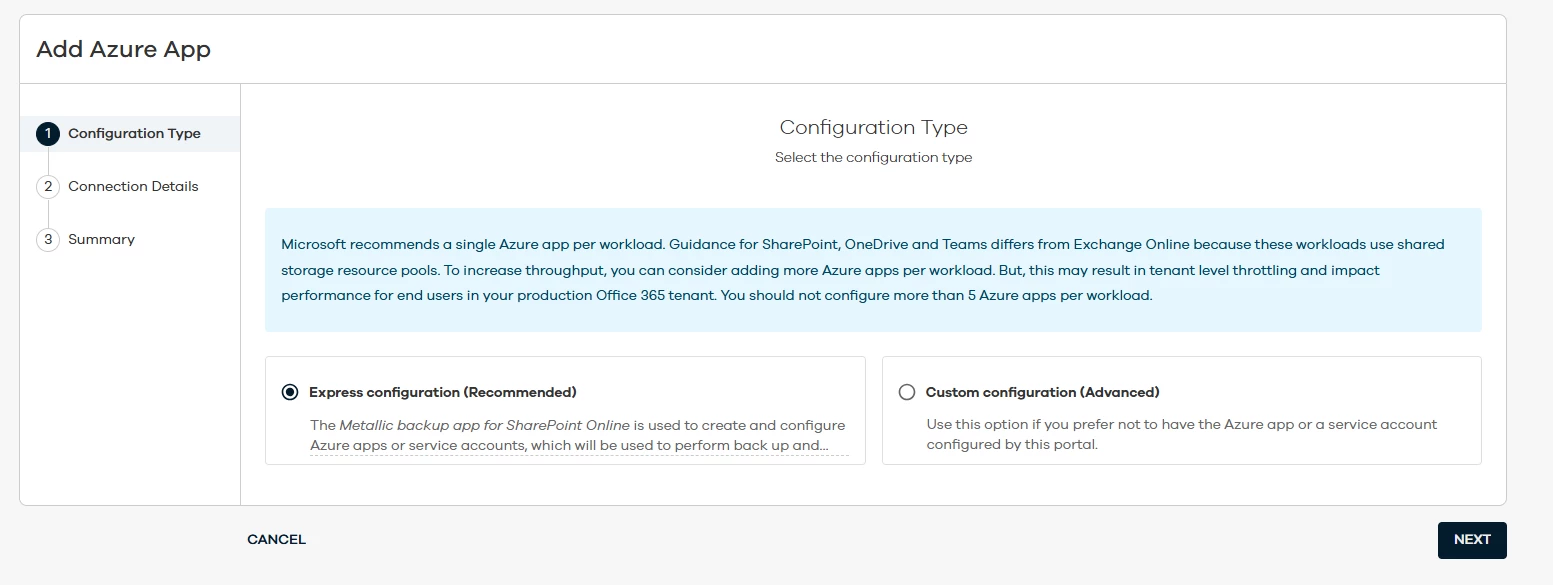
But when we used one apps , the bakcup did not work. So the CV team, suggest for us to create 3 apps Azure relited to 3 apps CV in aim to resolve the problem and they explain taht was happen because of the capacity  of APPS to backup all existing sites and new sites.

For that, i would be sure of this limit before create applications pour teams.


Lukas3D
Novice
Forum|alt.badge.img+10
  • Novice
  • May 22, 2025

That makes sense, we are using 5 apps in total to cover our SharePoint backups.


To improve performance and to minimize throttling, register multiple Azure apps. For a Teams app that has 5,000 Teams items, register 5 Azure apps. Every time an additional 1,000 Teams items are added, register 1 additional Azure app.

Register the Azure App for Teams with Azure AD


Few additional ones may indeed boost the performance. 


Forum|alt.badge.img
  • Author
  • Novice
  • May 22, 2025

so an acording to this document and refer to my case i should creat 100 Apps Azure??

it’s not logical!!!


Lukas3D
Novice
Forum|alt.badge.img+10
  • Novice
  • May 22, 2025

so an acording to this document and refer to my case i should creat 100 Apps Azure??

it’s not logical!!!

Agree, maybe they are referring to some different type of “items” here.


Why don’t you start with 5 and see how it goes?


Matthew M. Magbee
Novice
Forum|alt.badge.img+12

Following. Our journey into this realm of sharepoint/teams backup is happening now