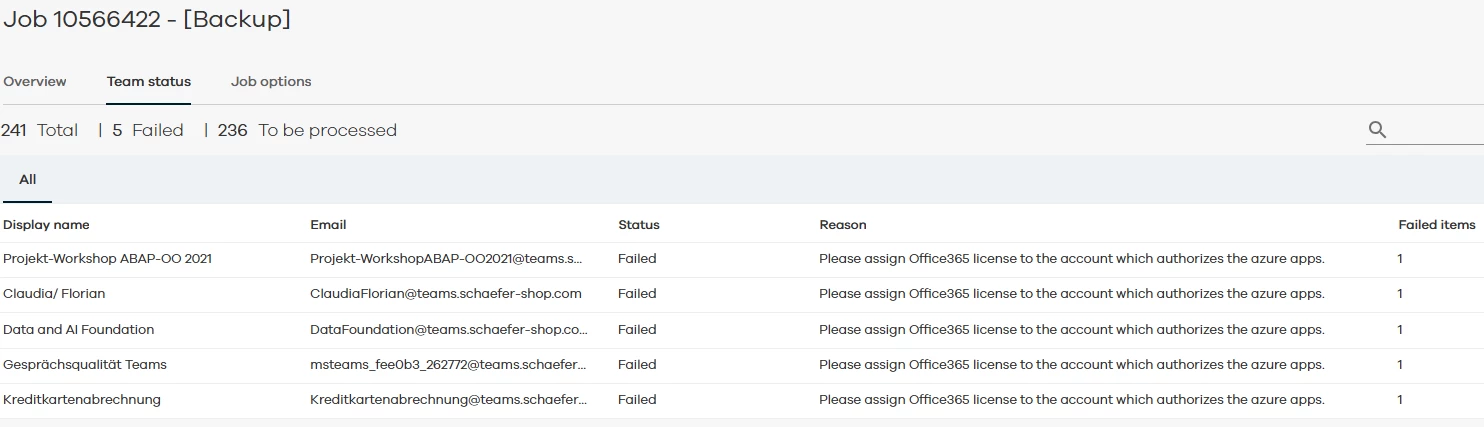
Hi, when i try to backup my Teams i get this error. Only 5 items. When i check my license it’s ok. Only Active Directory we are at 102 %. What causes this error and how can i resolve it? Because this are TEAMS “groups” and no users…...
Regards DEnnis
Best answer by Lukas3D
Hi,
Can you re-check these steps?
You can use the express configuration option, which automates some configuration steps, to create a Teams app.
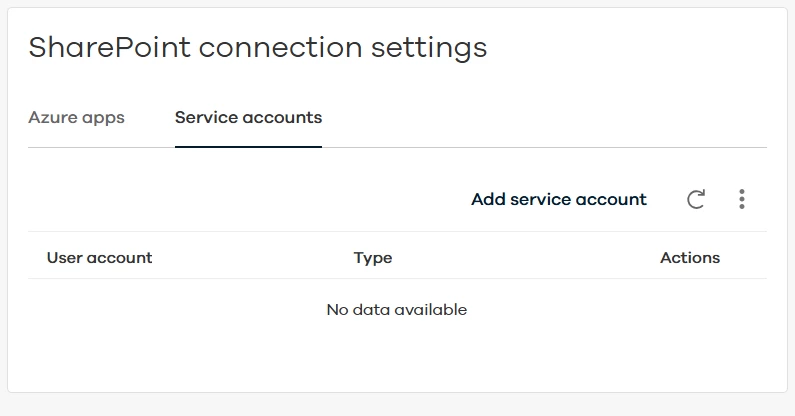
After you create the Azure app that is needed for the Teams app, the express configuration automatically syncs the app with Azure and authorizes the Azure app. The express configuration does not create a service account for Teams.
Before You Begin
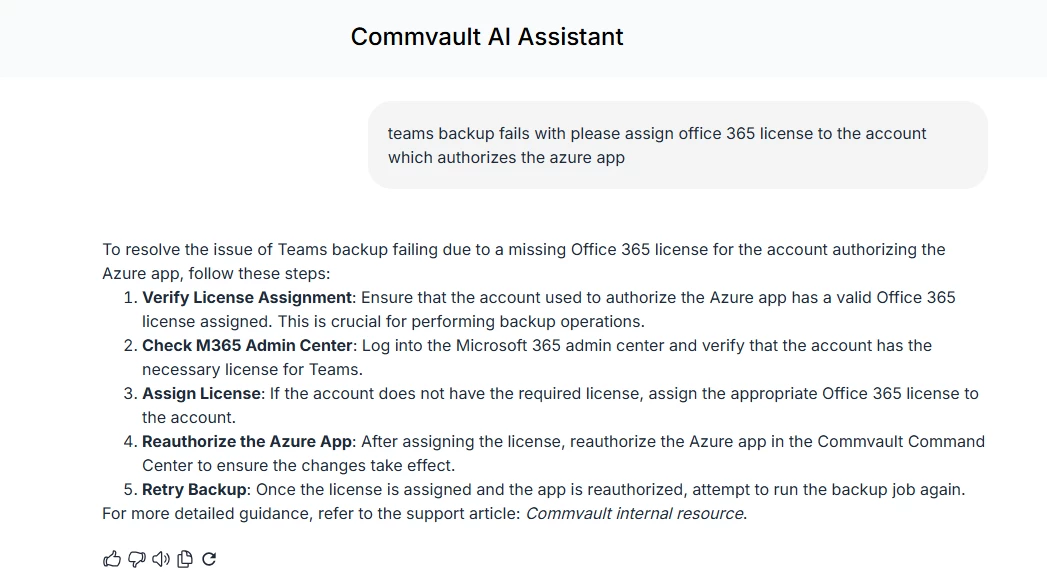
Verify that you have a user account that is licensed for Teams.
You can use the express configuration option, which automates some configuration steps, to create a Teams app.
After you create the Azure app that is needed for the Teams app, the express configuration automatically syncs the app with Azure and authorizes the Azure app. The express configuration does not create a service account for Teams.
Before You Begin
Verify that you have a user account that is licensed for Teams.
Works for me. Someone had stolen my O365 license :-(
Thank you very much.
Happy to help :)
Commvault Cloud (Metallic) always runs on the latest available version, in this case, 11.38. Since it’s a SaaS platform, users don’t have control over the platform version, so the specific version is essentially irrelevant.