I am trying to add an extended retention on aws Storage policy (2 Windows Media Agents with dedup database)
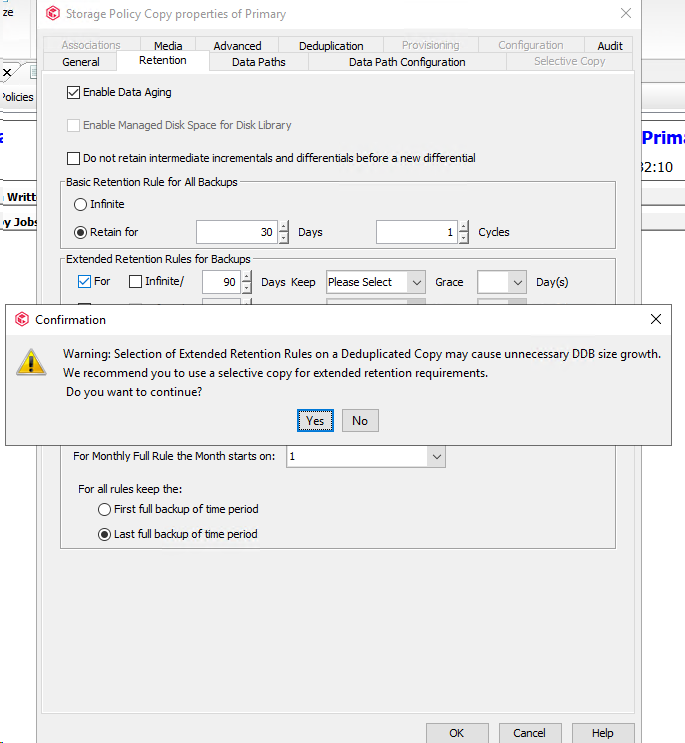
When I click on validate, I have this message.
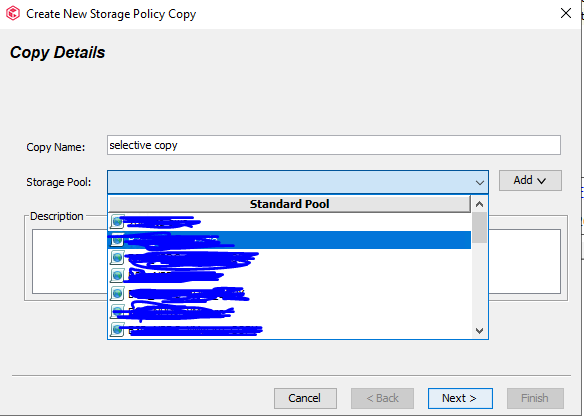
Then,I went to the storage policy to create a new copy, but the aws GDP Storage pool doesn’t appear. Any idea ? I see only on premises Storage pools
Thanks !
Best answer by Ledoesp
Greetings @Bloopa,
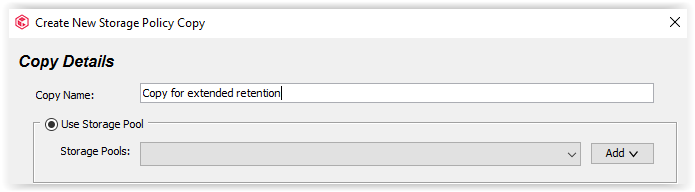
Or you apply the extended retention to the primary copy (and you get the warning about the consequences with DDB size) or you create a secondary copy to store the extended retention jobs. If you go for creating the secondary copy, yes, you have to define another deduplicated storage pool.
You cannot associate the secondary copy to the AWS storage pool as the primary copy is already associated to this AWS storage pool. You’ll have to create first a second AWS storage pool.
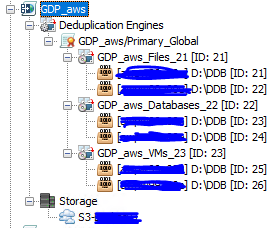
actually I have an Aws storage pool with 2 media agents, each MA with 1 dedup database, do you mean that for each extended retention period I want, I need to create a new storage pool and also new dedup DB ?
Or you apply the extended retention to the primary copy (and you get the warning about the consequences with DDB size) or you create a secondary copy to store the extended retention jobs. If you go for creating the secondary copy, yes, you have to define another deduplicated storage pool.