




Question: is there a report that gives you the names of the clients that are running but have the error
Could not get SIDB folders ?
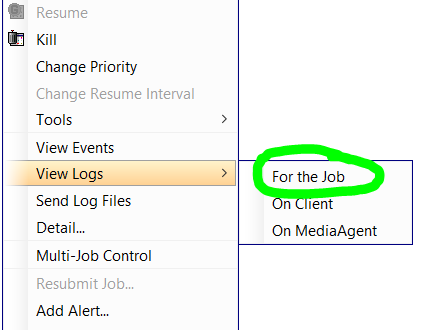
right now I manually view the logs from the job
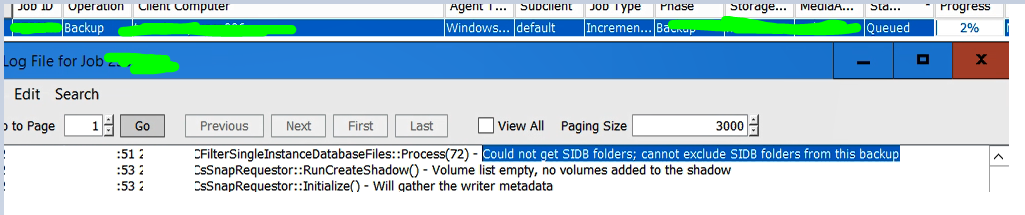
Question: is there a report that gives you the names of the clients that are running but have the error
Could not get SIDB folders ?
right now I manually view the logs from the job
Best answer by Sebastien Merluzzi
Hi
In Event Viewer, you should find/filter the error. make sure you display Computers. Below I filtered on “Failed to Mount”
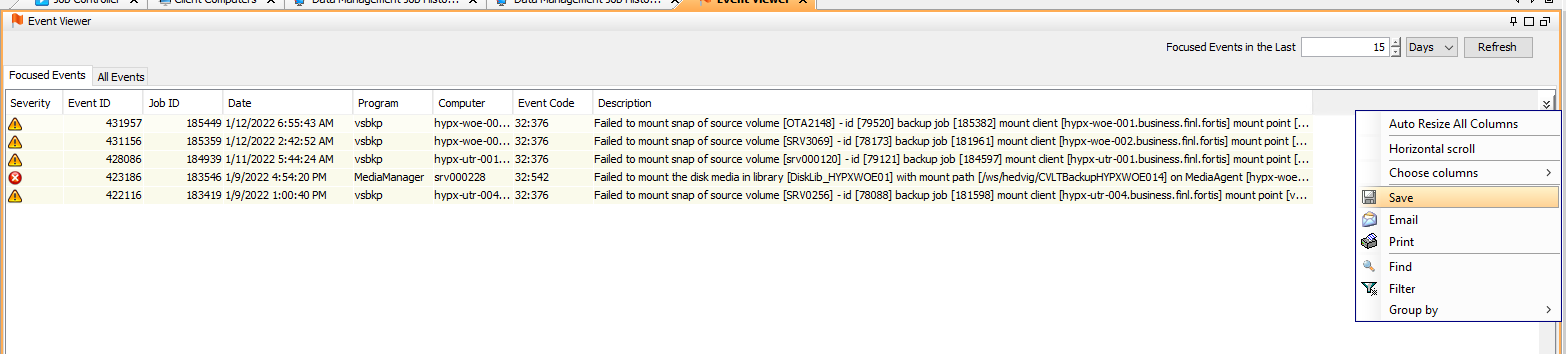
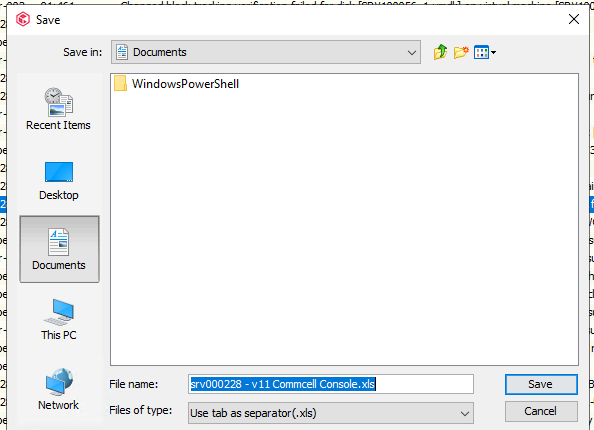
Then top right click the two arrows and then select Save
Best Regards,
Sebastien Merluzzi

Enter your E-mail address. We'll send you an e-mail with instructions to reset your password.


