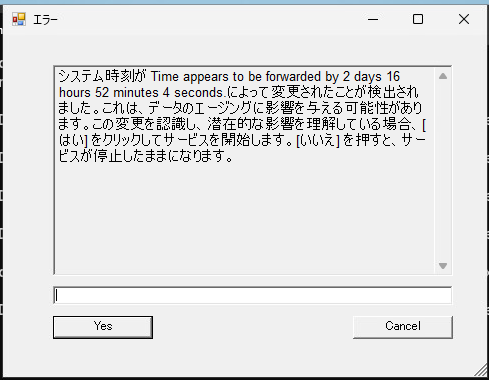
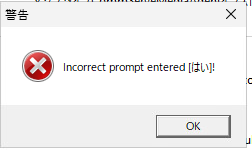
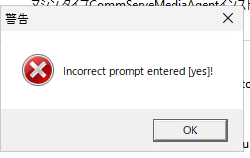
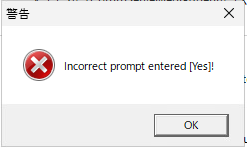
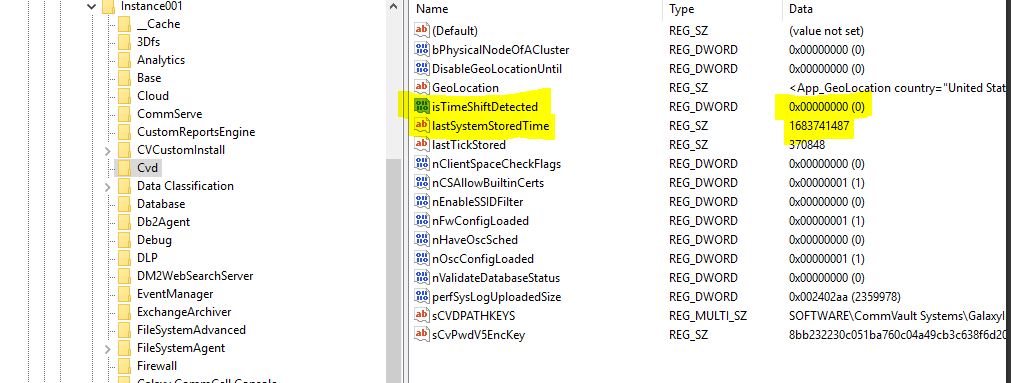
You will find "lastSystemStoredTime”. Update the Last Stored System Time with the current time which is Unix time format (You can take a backup of your registry) before making changes.
After that reset the time shifted back to 0 and try starting the services It should work.
You will find "lastSystemStoredTime”. Update the Last Stored System Time with the current time which is Unix time format (You can take a backup of your registry) before making changes.
After that reset the time shifted back to 0 and try starting the services It should work.
To update Process Manager to english, please follow these steps:
Right-click on the Process Manager icon and select 'Properties'.
In the 'Shortcut' tab, find the 'Target' field and add the following arguments to force the language to English: -Duser.language=us -Duser.country=US
The edited 'Target' field should look similar to this: C:\commvault\jre\bin\javaw.exe -Duser.language=us -Duser.country=US -jar cv.jar yourcommserveFQDN 8401 -oemid=1
After making these changes, close and reopen the Process Manager using the modified shortcut.