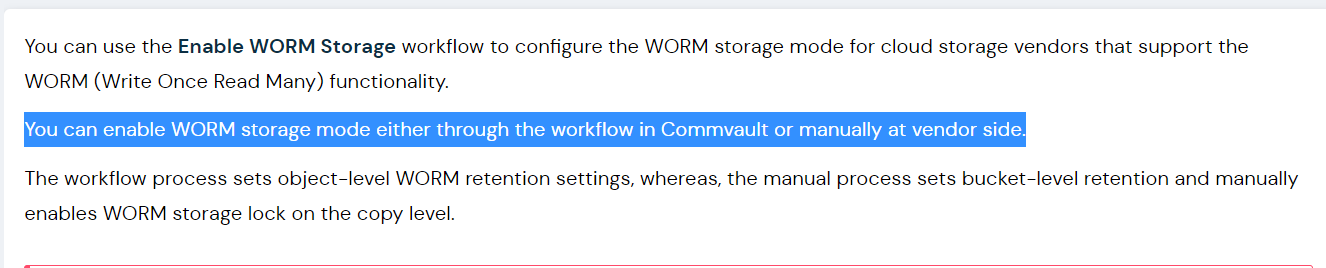
I have enabled Object lock on the Cloud storage bucket (Hitachi Content Platform for Cloud Scale (S3)).
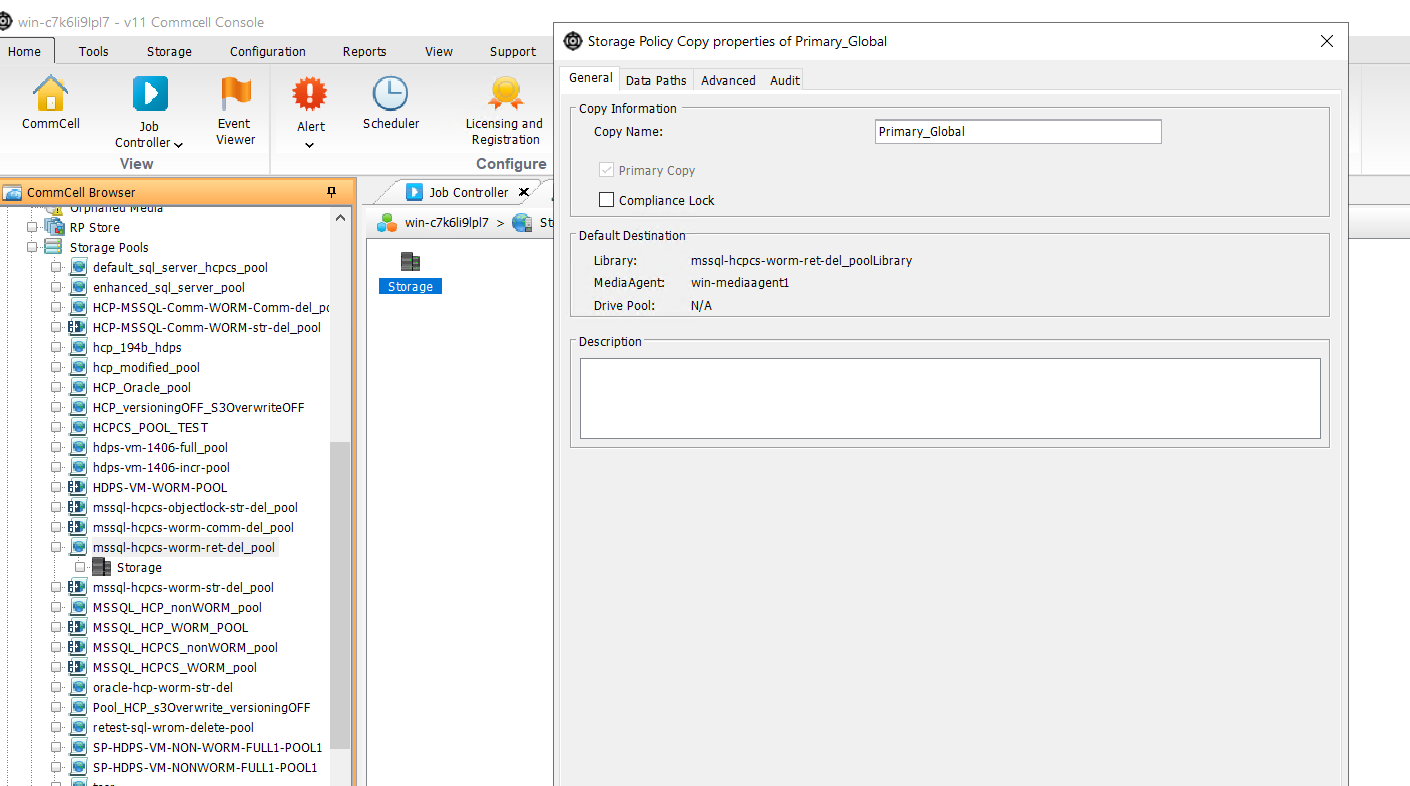
Enabled WORM on Commvault and set the retention for the storage policy.
Result:
Once the data is backed up I am able to delete the data manually in the Hitachi Content Platform for Cloud Scale (S3) bucket.
Does Commvault does not leverage Object lock ?
Also Can we enable Object lock on Hitachi Content Platform for Cloud Scale (HCPCS) and WORM on Commvault or its Either or case.
Best answer by Josh Perkoff
Hello @Lahari
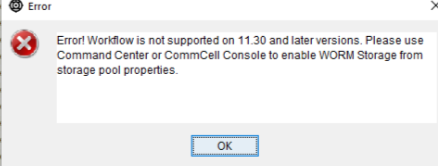
Due to changes in 11.30 with how WORM Storage is managed the workflow cannot be used to set up WORM. Additionally setting object lock manually on S3 storage and WORM Copy in Commvault will not set up the Object Locking either.
To enable CommVault WORM Storage Lock and Compliance Lock please follow this documentation:
Did you enable WORM via the workflow or manually? If the workflow, did it fail when it ran? If manually, did you configure the Object Lock on the storage side or just within Commvault?
The workflow does support enabling Object Lock for HCP storage so it should have set the policy on the HCP side. The Settings within Commvault only prevent changes to the configuration or deleting jobs via the GUI. The Storage Object Lock is what actually prevents deletion of data physcially.
Due to changes in 11.30 with how WORM Storage is managed the workflow cannot be used to set up WORM. Additionally setting object lock manually on S3 storage and WORM Copy in Commvault will not set up the Object Locking either.
To enable CommVault WORM Storage Lock and Compliance Lock please follow this documentation: