




HI teams,
We move to Exchange 2016 DAG from an exchange 2010 DAG.
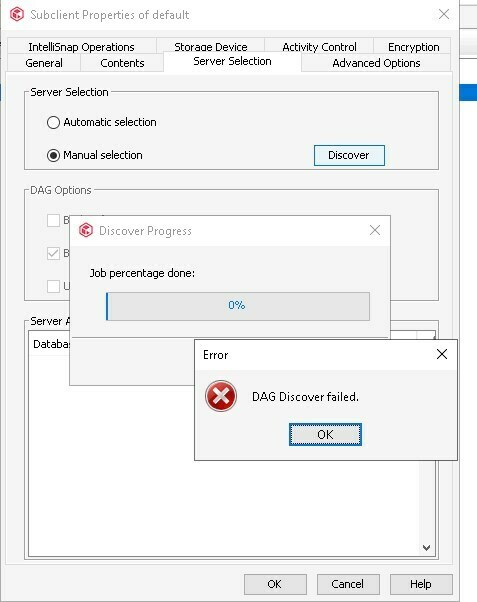
I try to reinstall a new DAG Client but i’ve a ‘DAG Discover Failed’ Error.
Try Automatic and Manuel selection...No way
Any Idea ?
HI teams,
We move to Exchange 2016 DAG from an exchange 2010 DAG.
I try to reinstall a new DAG Client but i’ve a ‘DAG Discover Failed’ Error.
Try Automatic and Manuel selection...No way
Any Idea ?
Best answer by Scott Reynolds
It's possible if there is something misconfigured with the DAG or its not completly setup. But from the CV side we would have to see the logs to know what is failing.
However, I would check the account that is configured first.
It could just be failing as that account does not have access to query AD to get DAG info. See if that is domain admin account or add one and try again.
https://documentation.commvault.com/11.26/expert/17035_changing_dag_client_user_accounts.html
Also have you tried to discover databases in the Content tab does that complete?

Enter your E-mail address. We'll send you an e-mail with instructions to reset your password.


