Answer

Edge Monitor setting button hide\restrict user permissions

  • July 5, 2022
  • 2 replies
  • 339 views

Forum|alt.badge.img+1

Hello,


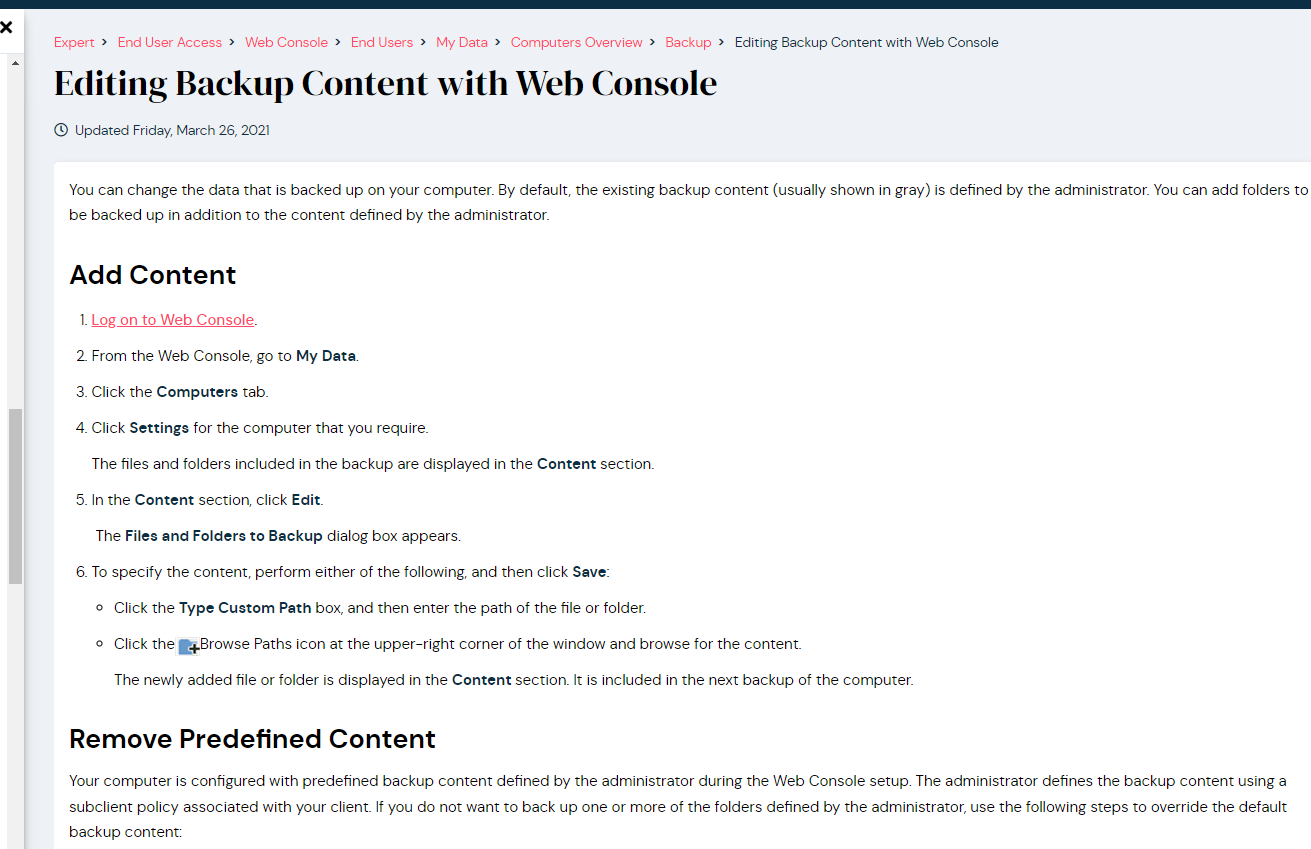
We started with the Edge backup solution for our laptop clients but we want also to hide the Edge Monitor settings button or restrict user permissions in order for them not to be able to modify the schedule/content of the backup from the webconsole

Unfortunately we did not found in the documentation related to this


Any suggestions will be highly appreciated

Best answer by DMowers

This should answer your question(s):

https://documentation.commvault.com/11.24/expert/41481_laptop_backup_faq.html

Please let us know how we can assist further.


Dwayne


2 replies

DMowers
Vaulter
Forum|alt.badge.img+3
  • Vaulter
  • Answer
  • July 6, 2022

This should answer your question(s):

https://documentation.commvault.com/11.24/expert/41481_laptop_backup_faq.html

Please let us know how we can assist further.


Dwayne


Forum|alt.badge.img+1
  • Author
  • Novice
  • July 6, 2022

This should answer your question(s):

https://documentation.commvault.com/11.24/expert/41481_laptop_backup_faq.html

Please let us know how we can assist further.


Dwayne


Many thanks for the link @DMowers but from the documentation seem that is normal behavior for the user to be able to overwrite the admin configuration regarding the schedule/content 😐