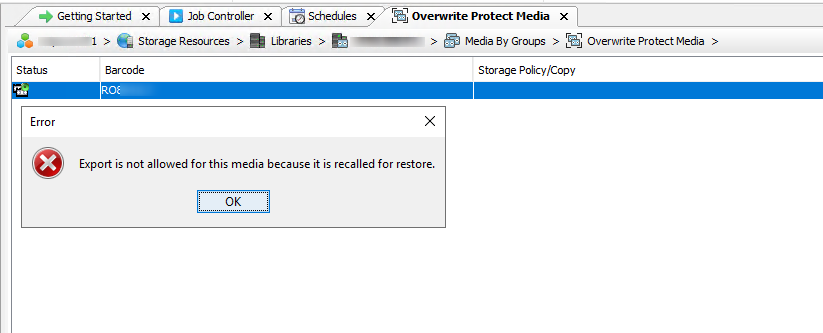
By mistake I performed a recall on a tape media that was already exported, we plan to take it offsite but still in the library.
The icon is changed
If I try to export it again I have this message.
How to get back to Exported media state before taking the tape offsite.
I just want to get back to the previous state.
Thanks !
Best answer by MichaelCapon
Hello @Amin91 ,
As per the documentation: “the media will remain in the Recall state until you manually right-click the action and select Recall Done. The media will then be marked Available for Export.”
As per the documentation: “the media will remain in the Recall state until you manually right-click the action and select Recall Done. The media will then be marked Available for Export.”
As per the documentation: “the media will remain in the Recall state until you manually right-click the action and select Recall Done. The media will then be marked Available for Export.”