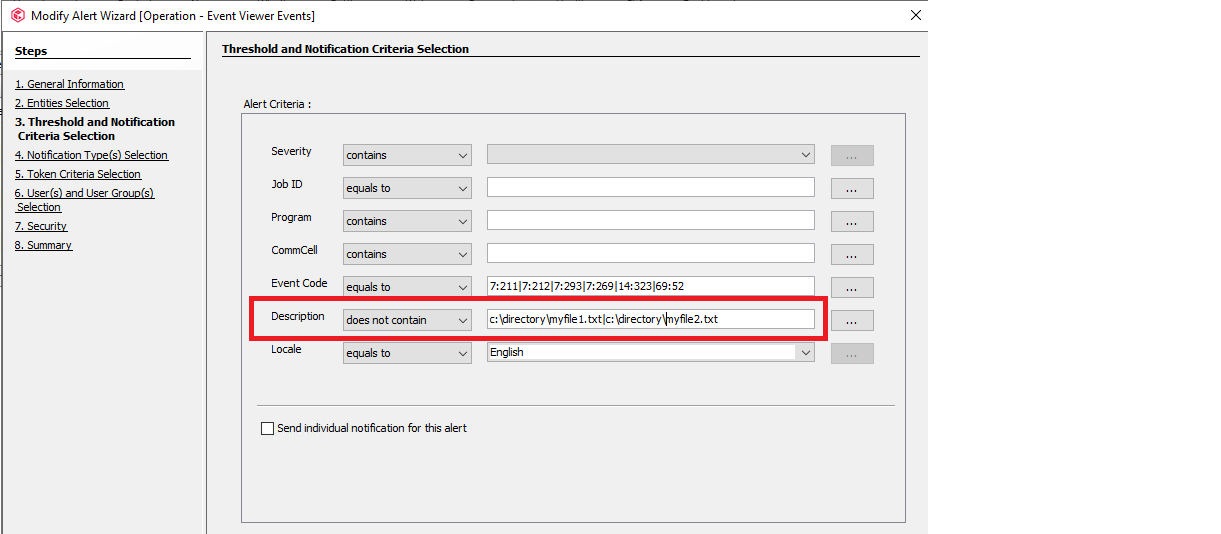
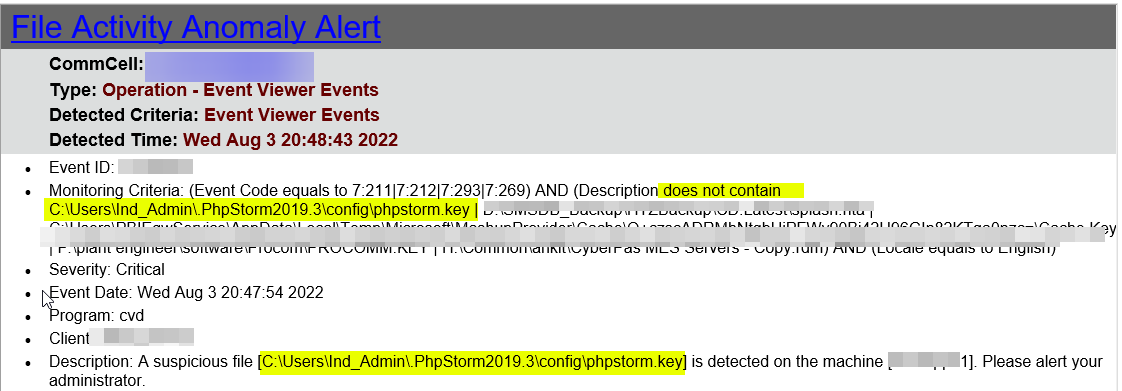
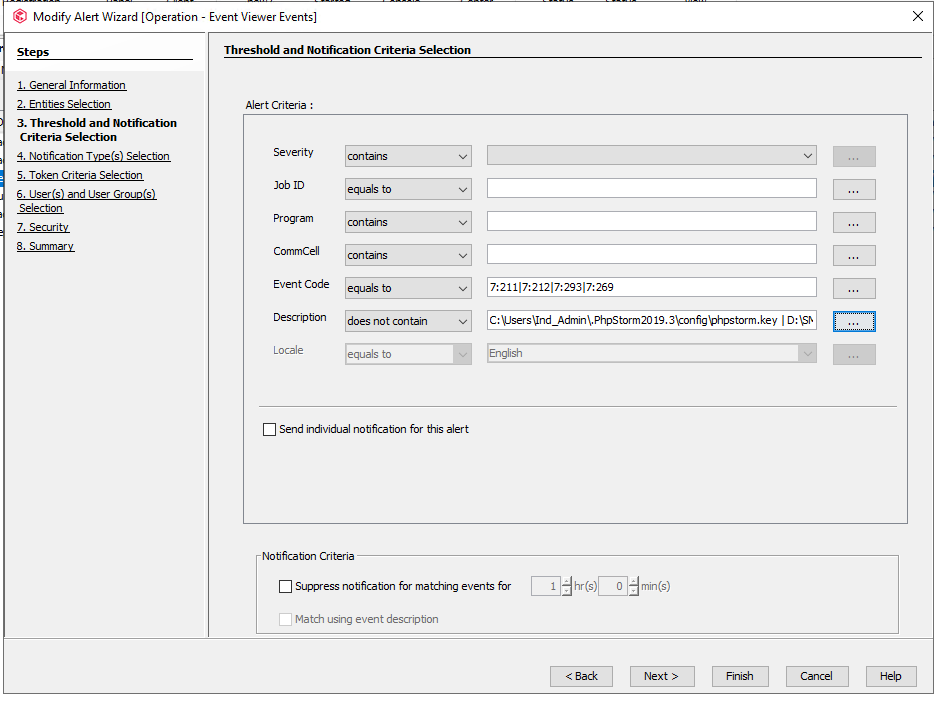
Change the description to “does not contain” and add the paths to the files you wish to whitelist, separate the files with the “pipe” | character. This should prevent the detection of these files from triggering the alert.
Let me know how this goes or if you have questions. Thanks
You only have the option via an additional setting to disable the functionality → DisableFileIOMonitor. Not sure if you run the latest feature release, but development is continuously enhancing this feature to reduce the amount of false positives.