

Question

How can I disable or remove a WORM copy created by the CommServe DR Extend policy?

  • Nov 2, 2026 10:24 AM UTC
  • 3 replies
  • 24 views

Forum|alt.badge.img

Hello,

We are using Commvault version 11.24. The Extend policy for CommServe DR is enabled, and it is consuming far more tape media than expected.

The copy is configured as a WORM copy, not a Compliance Lock copy. I cannot disable or delete the WORM copy. I also tried using the AllowUnsetComplianceLockOnDRCopy registry key, but it had no effect.

Is there a supported way to stop the Extend policy from creating or extending this WORM copy, or to remove the copy and reclaim the tapes? Since this is a WORM copy rather than a Compliance Lock copy, should a different setting or procedure be used?

Any guidance for version 11.24 would be appreciated.

3 replies

Forum|alt.badge.img+17
  • Vaulter
  • Nov 3, 2026 5:33 AM UTC

Hi ​@SUHWAN AHN ,

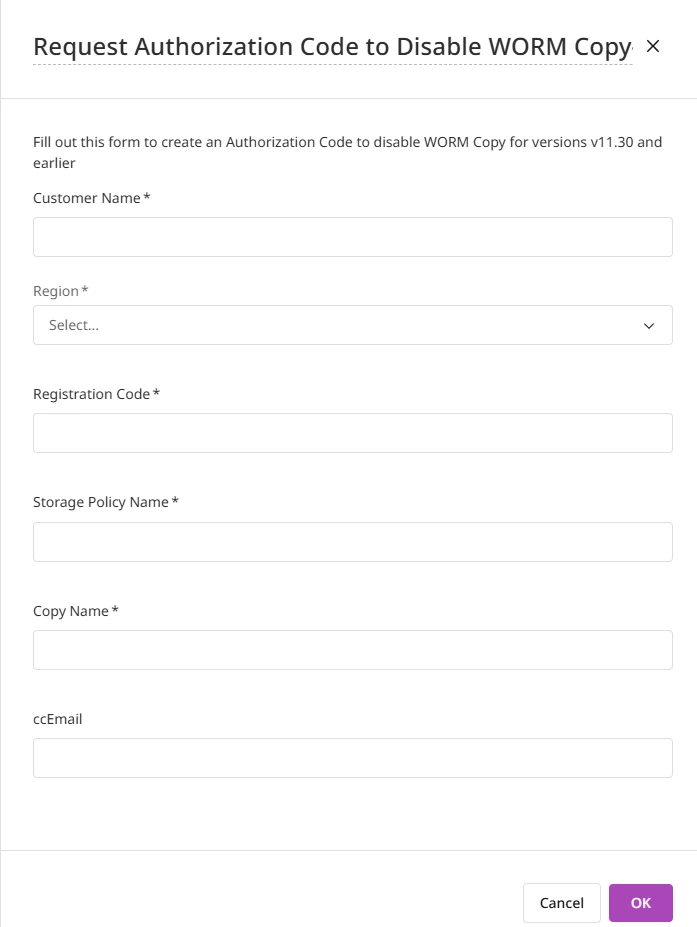
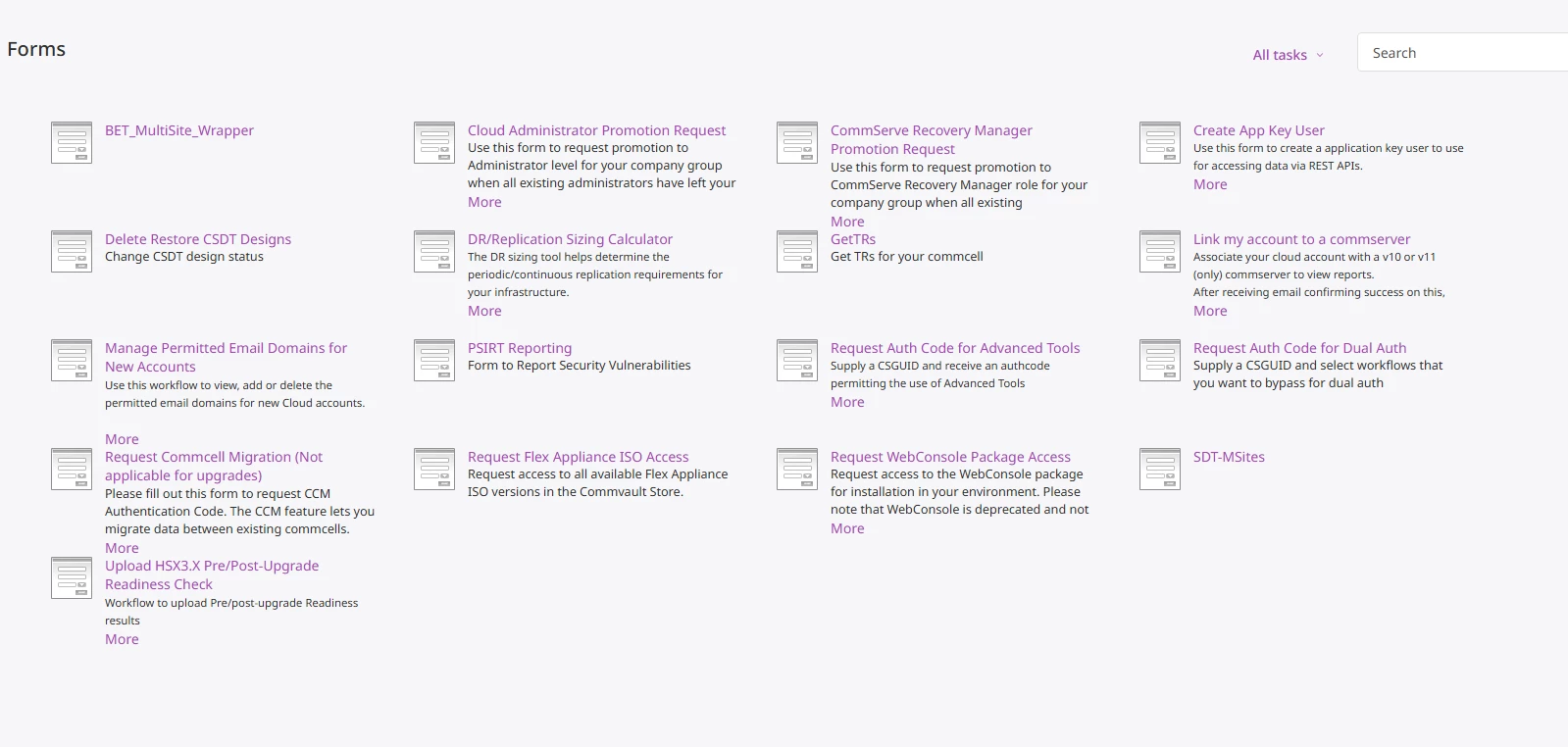
Kindly refer to the workflow below to disable the WORM settings for the secondary copy for Version 32 and earlier. Fill in the form to receive Auth code and command line.


https://cloud.commvault.com/commandcenter/#/forms?cloudCompanyId=37660


Forum|alt.badge.img
  • Author
  • Novice
  • Nov 3, 2026 5:53 AM UTC

`

I can't find the menu you mentioned.


Forum|alt.badge.img+17
  • Vaulter
  • Nov 3, 2026 6:04 AM UTC

Hi ​@SUHWAN AHN ,

Kindly log in to cloud portal using a User ID with Administrator privileges and check whether the workflow is available. If the option is still missing, I recommend creating a support case so that we can assist you further with disabling the WORM copy by generating the required authorization code.