Question

How change Backup Destination using Plans

  • March 16, 2026
  • 3 replies
  • 32 views

Forum|alt.badge.img+10

Hi, Can you help me with this real quick?

Commvault 11.32.119.

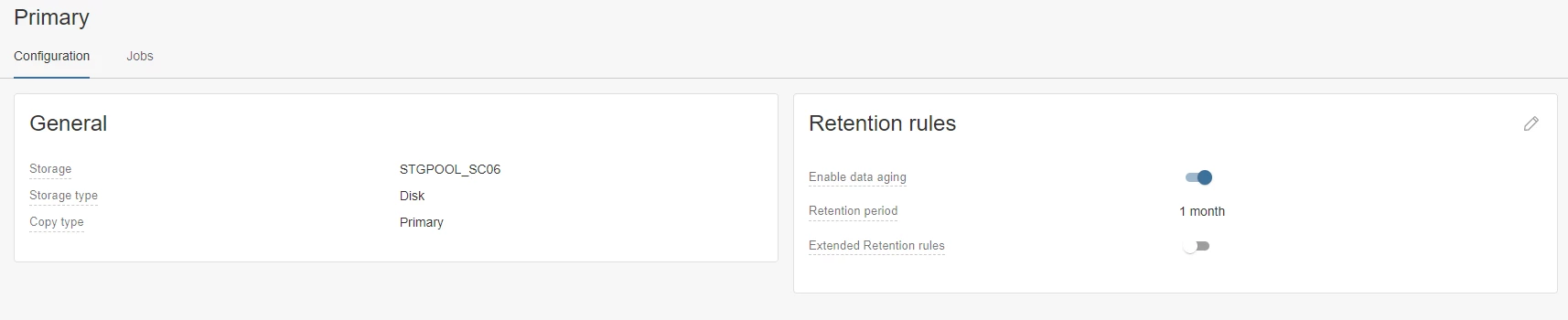
How can I change the Backup Destination of Plans using Command Center?


3 replies

Forum|alt.badge.img+1
  • Vaulter
  • March 16, 2026

Hello ​@Eduardo Braga 

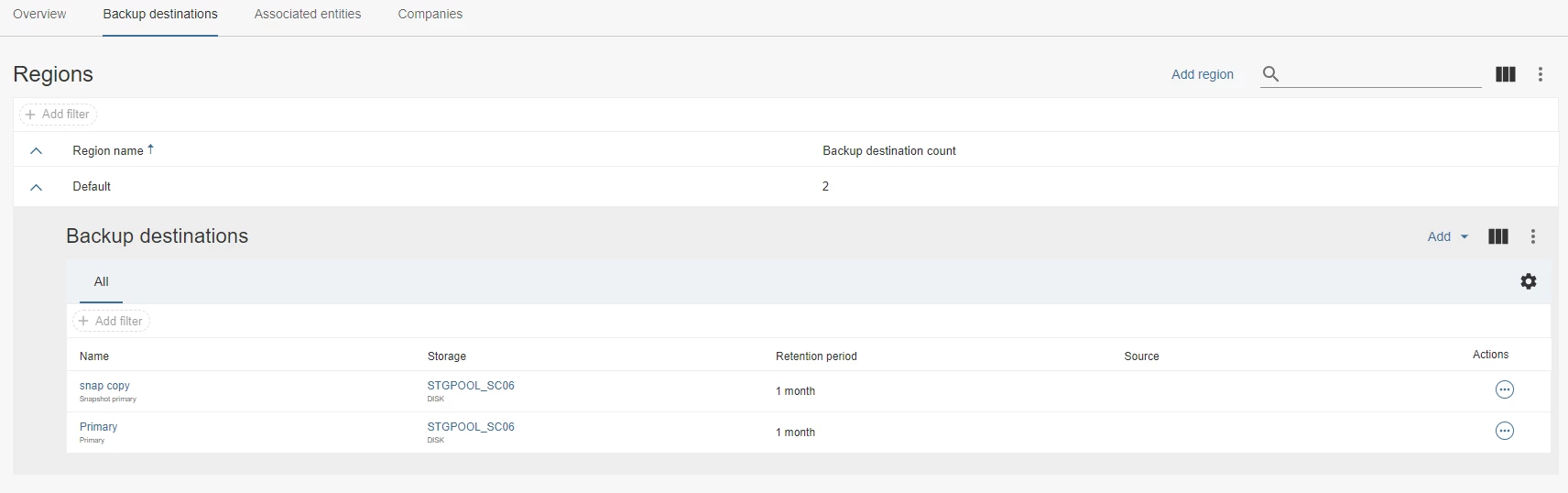
The Primary copy and the primary snap copy of a plan are like the default copies of the plan and they cannot be deleted or changed. You can create a new plan and associate the new location as the backup destination. 


Scott Moseman
Vaulter
Forum|alt.badge.img+23

I do not recall if it’s possible to promote copies in CC under FR32, and I do not have a FR32 environment readily available to confirm or deny.  I know in FR36+ you can add a new copy and promote it to become the new Primary.  In FR32 you may still need to use Java to replace it.

Thanks,
Scott


Forum|alt.badge.img+1
  • Vaulter
  • March 17, 2026

Thanks Scott. 

@Eduardo Braga  Please refer to the below article and check if you can promote a secondary copy as a primary copy from the Command center. 

If you still want to change the backup destination, please use Java console to make the changes.

https://documentation.commvault.com/2024e/software/promoting_secondary_copy_to_primary_copy.html

Requirements:

  • The secondary copy must be a synchronous copy.

  • You must have the user permissions to create a storage policy copy. 

  • To promote a secondary copy that is disabled, enable the secondary copy and then promote it.

  • You cannot promote Air Gap Protect copies, global secondary tape copies, archive copies, and snapshot copies.