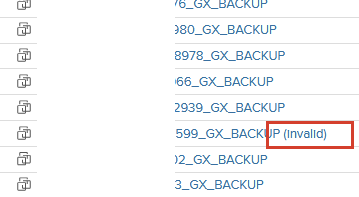
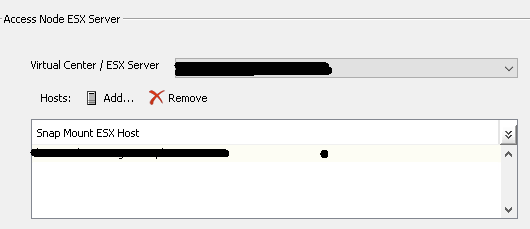
I feel like @MichaelCapon was on the money here.
The most likely issue here is that your storage is mapped to a group of ESXi servers (in the context of NetApp, lets call this an iGroup). Even though you have one ESXi server specified for the mount that is dissociated with other ESXi hosts in the subclient, it actually depends on how your storage is mapped from your array to your ESXi hosts. when we bring the snapshot online the other ESXi servers can ‘see’ the new storage and will attempt to automatically mount it. When we drop the snapshot, it becomes orphaned in the ESXi inventory as other ESXi are holding a handle on the snapshot datastore and it becomes a APD issue.
Commvault reuses existing relationships that have been configured on the storage side - so if your datastore LUNs are mapped to a group of ESXi hosts, the snapshots will be too when we bring them online to perform the backup copy. This is the crux of the issue.
The annoying fix to this issue is to have 1:1 mappings of datastore to ESXi hosts when configuring the lun mapping / access on your storage array, rather than to a group of hosts. This way when we bring a snapshot datastore online it wont be visible to the entire group. This is obviously a big infrastructure change, so alternatively, you can try the setting that Michael recommended.
https://documentation.commvault.com/2023e/expert/using_esx_server_for_snapshot_mount.html
I believe this setting will attempt to unmount the datastore from each esxi host before taking it offline to ensure nothing is holding on to it.