Answer

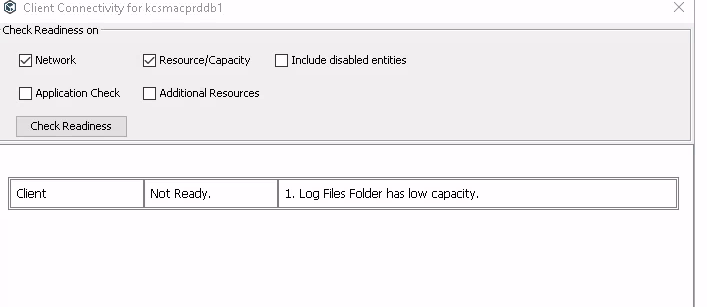
on the client side check redness showing log file Log Files Folder has low capacity

  • June 22, 2022
  • 2 replies
  • 1261 views


Best answer by Aplynx

Is there low space on the job results folder of the client? 

https://documentation.commvault.com/11.24/expert/6588_changing_path_of_job_results_directory.html

2 replies

Aplynx
Vaulter
Forum|alt.badge.img+12
  • Vaulter
  • Answer
  • June 22, 2022

Mohammed Shereef P
Vaulter
Forum|alt.badge.img+5

Can you check if the log files folder drive / mount is actually running out of space? If so try to add more size on it, or check if the drive or mount has other folders apart from Commvault application that is using up the space. If you find that there is adequate space in the mount/drive try restarting  the Commvault services once check the readiness once.