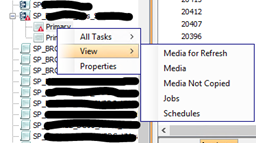
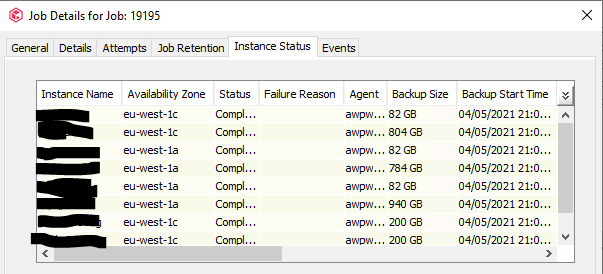
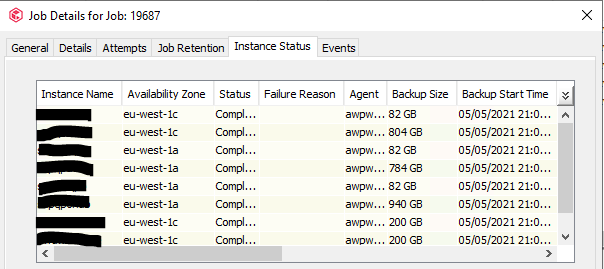
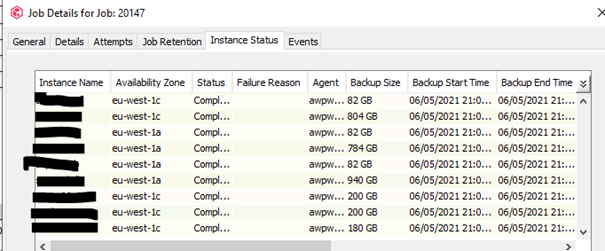
When I right click on the Primary copy > view jobs
I have 6 To be copied Jobs
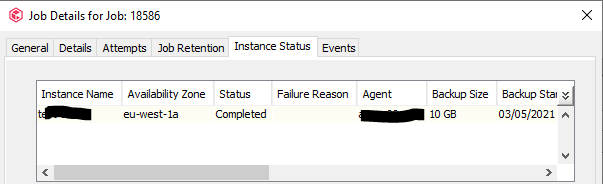
Job 18586 View job detail It was aws instance that I have removed from the subclient and I don’t neet this job
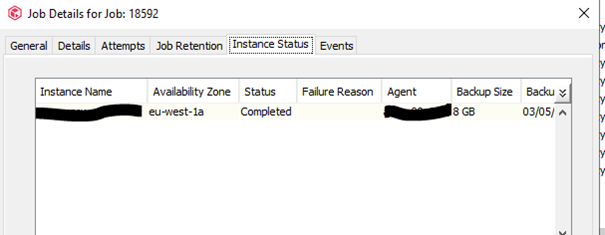
Job 18592 It was aws instance that I have removed from the subclient and I don’t neet this job
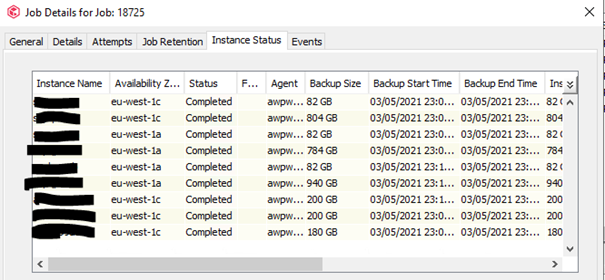
Job 18725
Job 19195
Job 19687
Job 20147
What should I do to let these job to be copied and remove the red alarm on the Storage policy ?
Thanks again for your valuable aid !
Best answer by Evan@Commvault
Hello,
I assume these are snap jobs of an AWS instance? If so it appears they are awaiting backup copy to Commvault Media. You can try running a manual backup copy on the storage policy and seeing the outcome of that. If successful, they should no longer alert as needing copy.
That being said, if you truly do not need backups of this instance, you have the option to right click on these jobs (When listed from Snap primary copy) and choose to prevent copy. However, doing so may prune them immediately depending on snap copy retention. Therefore allowing backup copy may be the more conservative choice, and then allow them to age naturally once on primary.
I assume these are snap jobs of an AWS instance? If so it appears they are awaiting backup copy to Commvault Media. You can try running a manual backup copy on the storage policy and seeing the outcome of that. If successful, they should no longer alert as needing copy.
That being said, if you truly do not need backups of this instance, you have the option to right click on these jobs (When listed from Snap primary copy) and choose to prevent copy. However, doing so may prune them immediately depending on snap copy retention. Therefore allowing backup copy may be the more conservative choice, and then allow them to age naturally once on primary.