Answer

Unable to remove Exchange Servers after deleting DAG Client.

  • July 15, 2022
  • 7 replies
  • 642 views

FadilS
Novice
Forum|alt.badge.img+1

Hello,

next problem. I have deleted a Exchange DAG Client, now I can not delete the member servers. The members still have the Exchange Datebase and default subclient. The following error message appears when I try to delete:
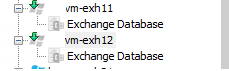


When I create a new Exchange DAG client, its not possible to discover/add the members.
 

Is there any hard delete or something or do I have to open support case.

Thanks so much for every answer. 

Best answer by Orazan

You have to run the script from the Command Prompt as advised:

Please follow these steps:

-Place the script in the Commvault base directory (C:\Program Files\Commvault\ContentStore\Base)? 

-Launch an administrative Command Prompt and navigate to the Base directory.

-Type QLogin and enter a commcell username and password.

​​​Once done, please retry the script and update this tread with the results.

qscript -f ResetDAGFlag.sql -i ClientName

7 replies

Forum|alt.badge.img+15
  • Vaulter
  • July 15, 2022

Good morning.  You can use a script to reset the DAG flag for the Exchange servers associated to the DAG.  Please find the ResetDAGFlag.SQL script here:

https://cloud.commvault.com/webconsole/gtl.do?gid=Jcz3l6bU4Sz

qscript -f ResetDAGFlag.sql -i ClientName


Please update me with the results.


FadilS
Novice
Forum|alt.badge.img+1
  • Author
  • Novice
  • July 15, 2022

Hello, 

i have downloaded the file, but the content is not sql commands. Maybe the file is broken?


Forum|alt.badge.img+15
  • Vaulter
  • July 15, 2022

Please follow these steps:

-Place the script in the Commvault base directory (C:\Program Files\Commvault\ContentStore\Base)? 

-Launch an administrative Command Prompt and navigate to the Base directory.

-Type QLogin and enter a commcell username and password.

​​​Once done, please retry the script and update this tread with the results.


​​​​​​​


FadilS
Novice
Forum|alt.badge.img+1
  • Author
  • Novice
  • July 15, 2022

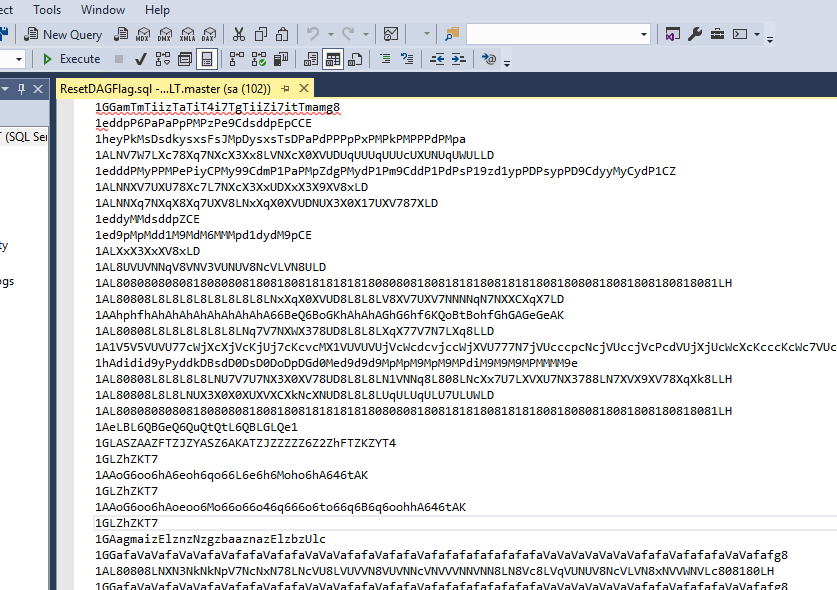
I can’t run the script. This is the content 


Forum|alt.badge.img+15
  • Vaulter
  • Answer
  • July 15, 2022

You have to run the script from the Command Prompt as advised:

Please follow these steps:

-Place the script in the Commvault base directory (C:\Program Files\Commvault\ContentStore\Base)? 

-Launch an administrative Command Prompt and navigate to the Base directory.

-Type QLogin and enter a commcell username and password.

​​​Once done, please retry the script and update this tread with the results.

qscript -f ResetDAGFlag.sql -i ClientName


FadilS
Novice
Forum|alt.badge.img+1
  • Author
  • Novice
  • July 18, 2022

It works! 

Thank you so much. 


Forum|alt.badge.img+15
  • Vaulter
  • July 18, 2022

Glad to hear that worked 😀