





Hi Team,
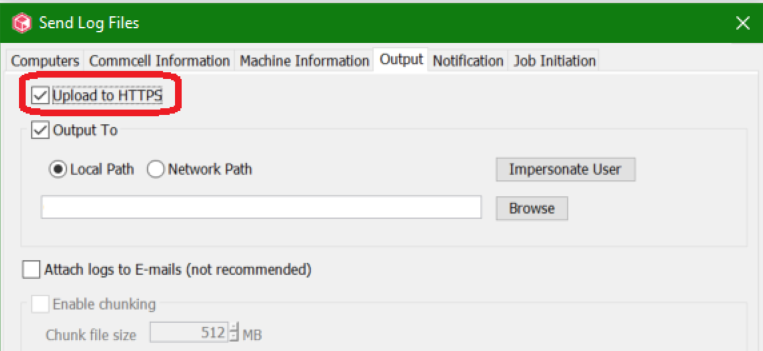
While collecting logs, I want to upload it directly to Commvault over HTTPS. Which port is used for this, can we use a proxy? Where can I set it?
Hi Team,
While collecting logs, I want to upload it directly to Commvault over HTTPS. Which port is used for this, can we use a proxy? Where can I set it?
Best answer by MichaelCapon
Hi
HTTPS Log Uploads use the standard port, 443.
See the following documentation links:
URL’s for Commvault Features:
https://documentation.commvault.com/11.24/expert/4787_external_urls_for_commvault_features.html
HTTP Proxy Configuration:
https://documentation.commvault.com/11.24/expert/4784_configuring_http_proxy_server_for_commserve_computer.html
Best Regards,
Michael

Enter your E-mail address. We'll send you an e-mail with instructions to reset your password.


