

Answer

Viewing a DR Backup SET Folder Issue

  • October 22, 2021
  • 11 replies
  • 293 views

Kamil W
Certified Expert
Forum|alt.badge.img+10

Hi guys,


The Customer is trying to get an access to DR Backup SET folder (Commvault Cloud).

https://documentation.commvault.com/commvault/v11_sp20/article?p=131053.htm


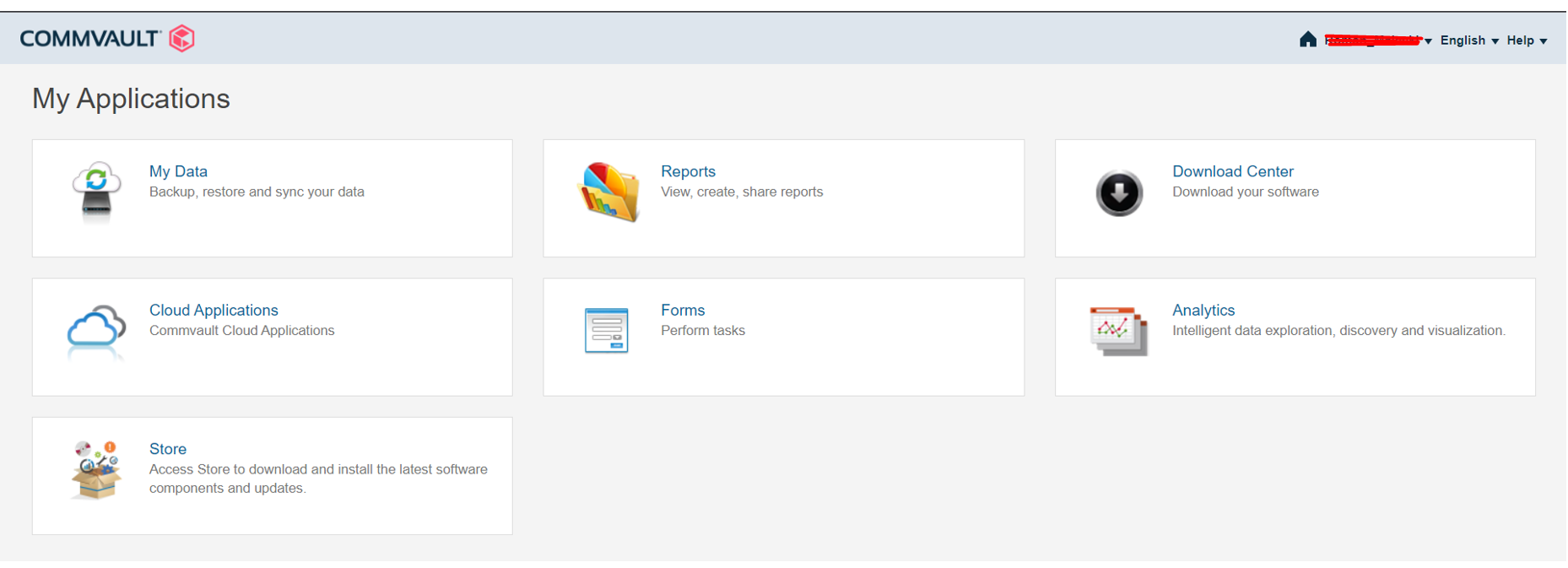
However, after log in to the cloud.commvault.com he cannot see the CommCell Dashboard section.


I asked Pragya to set the Customer’s account as a Parent Account Owner, but the CommCell Dashboard section isstill not visible for his account.
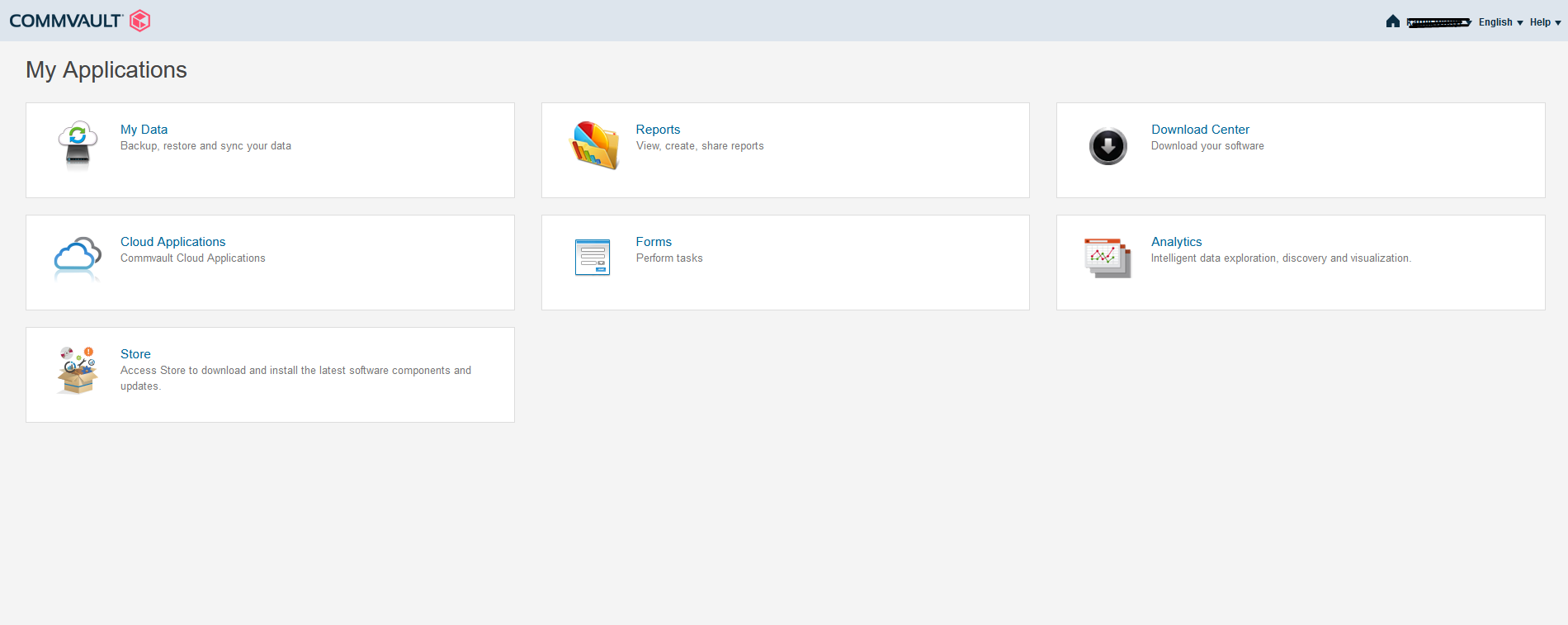


Is anything else that we can do to unblock the CommCell Dashboard section for the the Customer’s account?


Rgds,

Kamil

Best answer by Pragya Boobna

Hello Kamil,

We will raise a ticket and work with cloud team.

Thanks,

Pragya

11 replies

Mike Struening
Vaulter
Forum|alt.badge.img+22

Hey @Kamil W , let me follow up with Pragya on this.  There might be a delay in showing up, though I’m not 100% positive.


Forum|alt.badge.img+1

Hello Kamil,

You can access dashboards on the Command Center, the Web Console, or on the Cloud Services Portal.

Please use either of the link to access the Dashboard through cloud portal.

  1. https://cloud.commvault.com/webconsole/applications/
  2. https://cloud.commvault.com/webconsole/survey/reports/dashboard.jsp?companyId=37660

If you continue to experience problems, please let us know and we will consult with the cloud service team.

Thanks,

Pragya


Kamil W
Certified Expert
Forum|alt.badge.img+10
  • Author
  • Certified Expert
  • October 25, 2021

Hello @Pragya Boobna and @Mike Struening ,

I just sent it to the Customer. I’ll let you know, how it goes ASAP.

Rgds,

Kamil


Mike Struening
Vaulter
Forum|alt.badge.img+22

Hey 
@Kamil W , how we looking on this one?

Let me know if this is resolved (or if we have more work to do)!


Kamil W
Certified Expert
Forum|alt.badge.img+10
  • Author
  • Certified Expert
  • November 2, 2021

Hello guys,

I just spoke to the Customer.

Both links get the Customer to the same place. As we can see, Dashboard is still not visible.

Rgds,

Kamil


Mike Struening
Vaulter
Forum|alt.badge.img+22

@Pragya Boobna , can you check why this is not visible?


Forum|alt.badge.img+1
  • Vaulter
  • Answer
  • November 2, 2021

Hello Kamil,

We will raise a ticket and work with cloud team.

Thanks,

Pragya


Forum|alt.badge.img+1

Hello Kamil,

We have created case-211102-554. An engineer will reach out to work with you in next 2 hrs.

Thanks,

Pragya


Kamil W
Certified Expert
Forum|alt.badge.img+10
  • Author
  • Certified Expert
  • November 3, 2021

Many thanks @Pragya Boobna !

Rgds,

Kamil


Kamil W
Certified Expert
Forum|alt.badge.img+10
  • Author
  • Certified Expert
  • November 9, 2021

Hi guys,

Good news! :)


1. The customer logged in to https://cloud.commvault.com/webconsole/applications/

2. In the Forms section he found the "Link my account to a commserver" mentioned in the remote session.

3. He entered all the data and (after receiving the confirmation e-mail) logged out and logged back in to the cloud.

4. CommCell Dashboard has appeared with LAST DR BACKUP UPLOADED TO CLOUD.


It’s working as expected now!

Thank you for your help.


Rgds,

Kamil


Forum|alt.badge.img+1

Hello Kamil.

Thank you for the update, I am glad that issue is now resolved.

Thanks,

Pragya