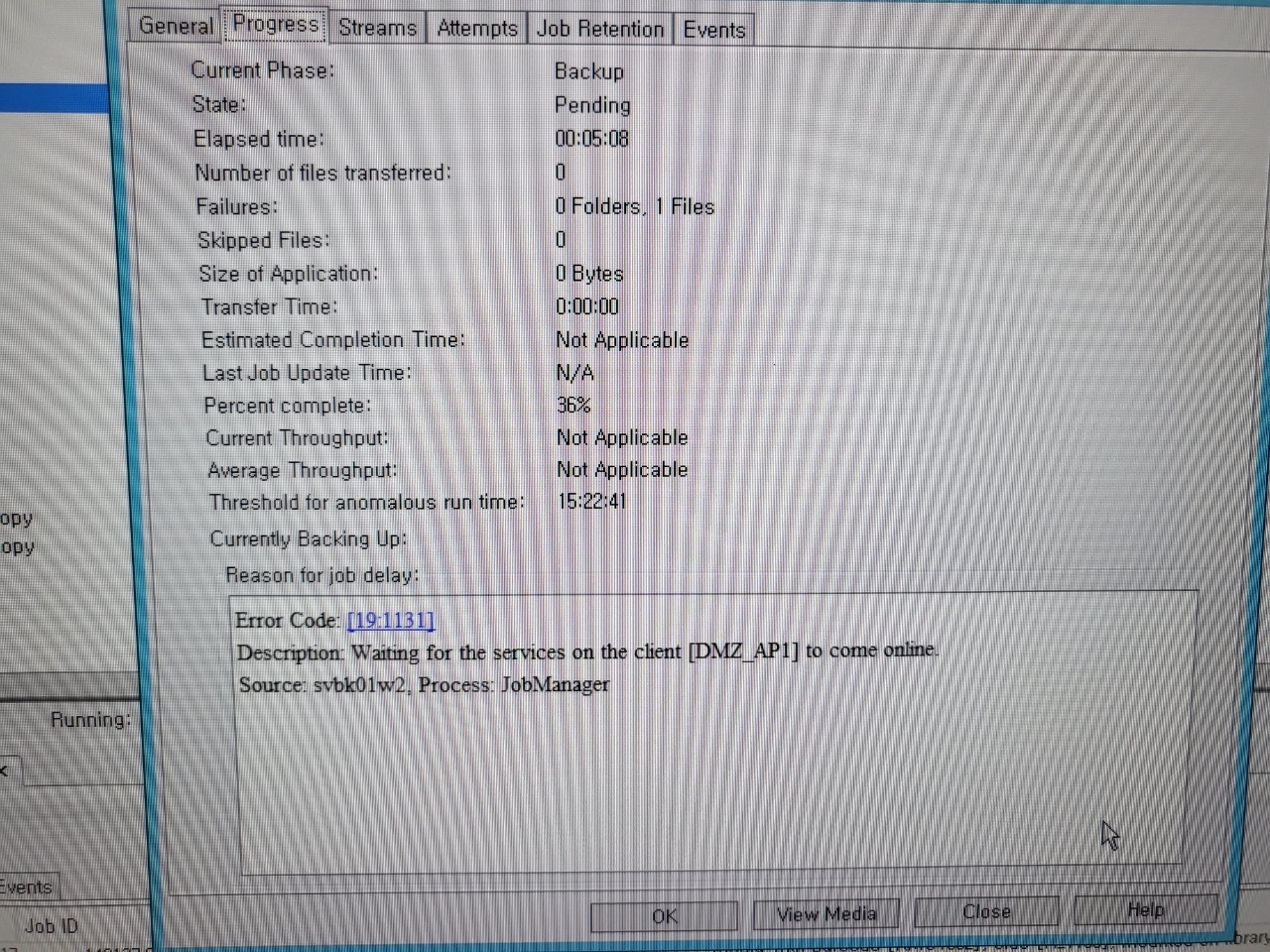
but [dmz_ap1] commvault services online.
so i restart services. then it’s status normal
I must restart every morning. What's the cause?
but [dmz_ap1] commvault services online.
so i restart services. then it’s status normal
I must restart every morning. What's the cause?
Best answer by Albert Williams
Hello Chris,
if you are to run a check readiness on the client when the issue is present it should give you some InSite as to what the issue is: https://documentation.commvault.com/v11/essential/129992_checking_readiness.html
If this does not point you in the right direction i would advise raising a support case when the issue is present as it would require a full line of troubleshooting.
Happy to help!

Enter your E-mail address. We'll send you an e-mail with instructions to reset your password.