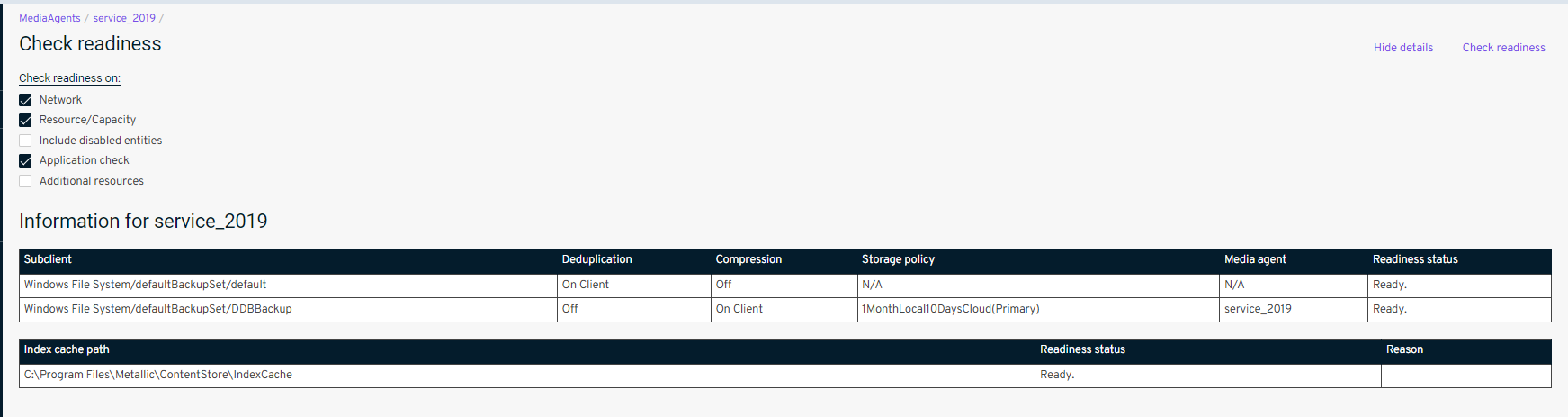
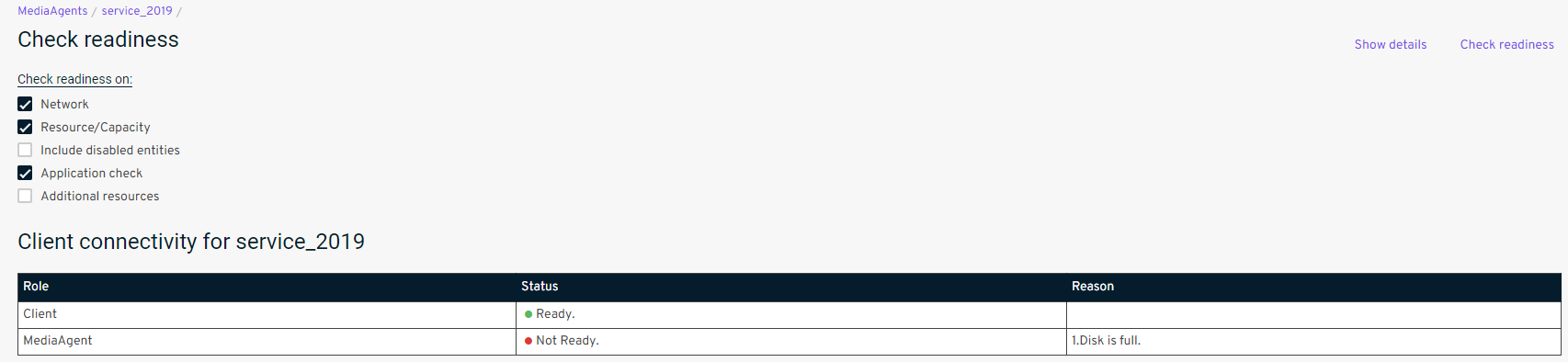
For the past week the "Metallic" backup when doing a Syntethic Full gives this error: "Index server is disabled on the Media agent [service_2019]. Source: cms01102c1eu06, Process: StartSynthFull".
I restarted the MediaAgent "service_2019" but the problem is still there. I ask for your help, how can I solve it?
Thank you Carmine
Best answer by Arvind
Good Day @Carmine Bollettino,
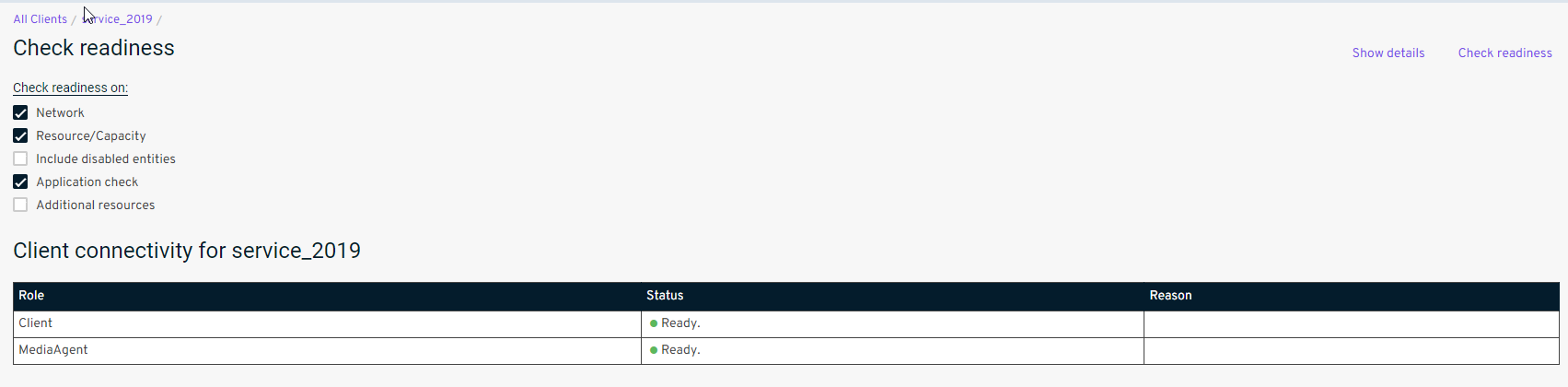
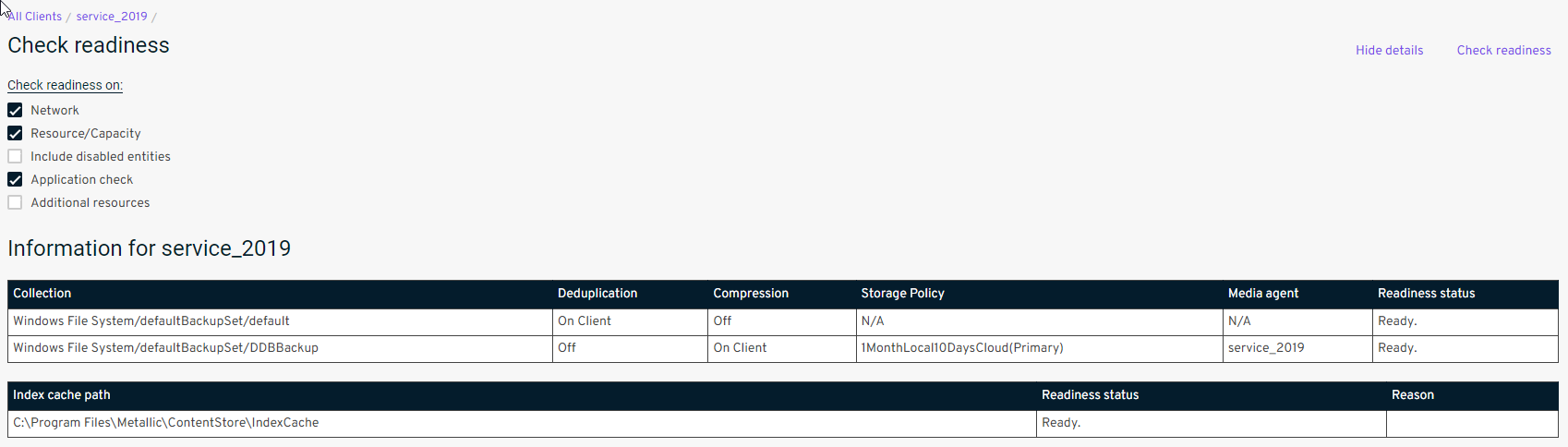
Apologies for the confusion here. I do see the Media Agent is online now, without any issues.
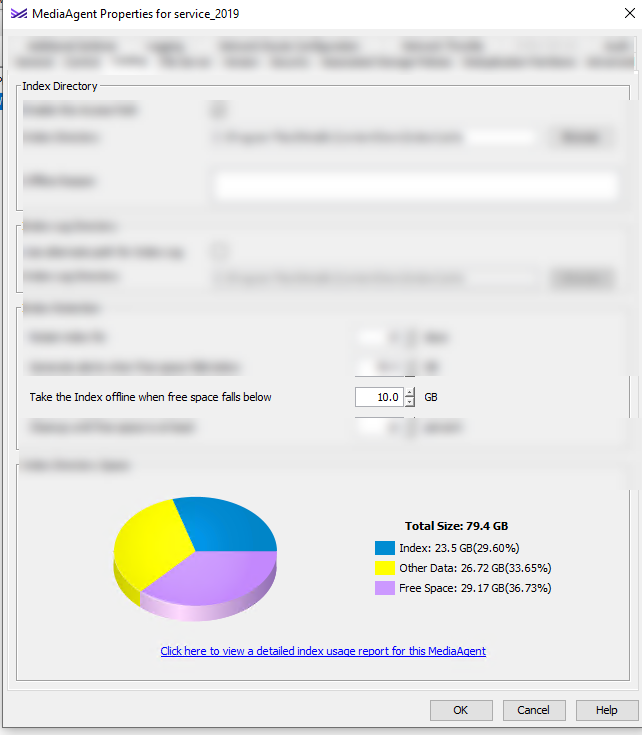
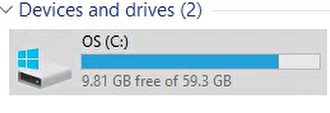
In order, to clarify why the Media Agent was offline even though you had an free spacing of 9.81 GB is that - with Metallic, by default we define an frequency when the Media Agent needs to go to offline to avoid any potential crashes at the OS level getting the Disk filled up, and by Default if the Index Cache path get’s lesser than 10 GB the Index Cache will be taken automatically to offline mode.
Reference for you:
So, you can always ensure the Index Cache path holds an spacing more than 10 GB, if not that’s expected to have the Index cache to be offline by default with Metallic.
Hope this clarifies over the reason why the MA was offline, let me know if you need any further queries or concerns, thank you!
On the MA, can you please check the value of DISABLE_INDEX_SERVER in registry? You can simply use find once you have opened the registry.
Also, if you right click on the MA > Properties > Advanced > Additional settings. What is the value there? It should be 0 if you need Index server enabled on this MA.
Bye, I went into Regedit and searched for the DISABLE_INDEX_SERVER value but found nothing. Can you tell me in which path to create the dword and what value to give it?
You can directly make additional setting from commcell and it will list under registry of the client. Client computers> right click on the MA > Properties > Advanced > Additional settings add the DISABLE_INDEX_SERVER as the additional setting with value as 0.
You can add more space first, 50 GB at C drive will be enough just for the OS in 2023. Metallic will take additional 50-200 GB depending on amount of data handled.
Apologies for the confusion here. I do see the Media Agent is online now, without any issues.
In order, to clarify why the Media Agent was offline even though you had an free spacing of 9.81 GB is that - with Metallic, by default we define an frequency when the Media Agent needs to go to offline to avoid any potential crashes at the OS level getting the Disk filled up, and by Default if the Index Cache path get’s lesser than 10 GB the Index Cache will be taken automatically to offline mode.
Reference for you:
So, you can always ensure the Index Cache path holds an spacing more than 10 GB, if not that’s expected to have the Index cache to be offline by default with Metallic.
Hope this clarifies over the reason why the MA was offline, let me know if you need any further queries or concerns, thank you!