Hi @ApK ,
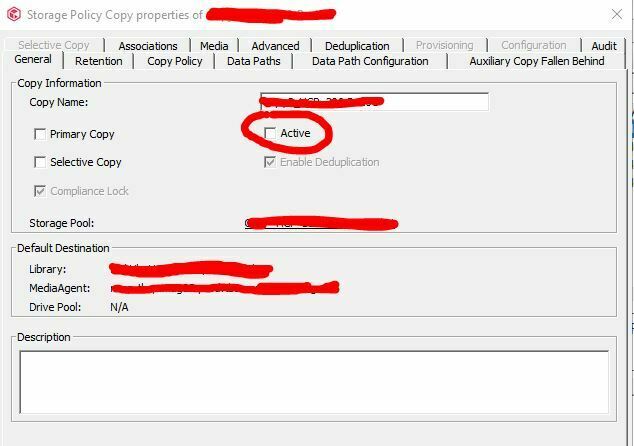
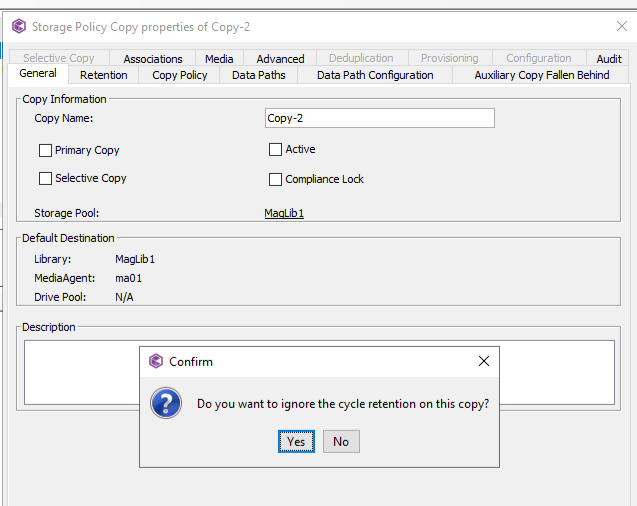
Yes, the data should age off even though copy is inactive.
Please refer to this doc link
https://documentation.commvault.com/2023e/expert/marking_copy_as_inactive.html
If you mark a storage policy copy as inactive, your primary copy data can still be pruned without being copied and the copy cannot be used to transfer data to media.
Also, please refer to this Media Management config param below. This may help.
https://documentation.commvault.com/2023e/expert/media_management_configuration_data_aging.html
Delete checkpoints for not currently active storage policies
Definition: When this option is enabled, checkpoints (Index backups) from inactive storage policies will be pruned with data aging job.
Default Value: 0
Range: 0 (disabled) or 1 (enabled)
Usage: Set this option to 1 and run data aging job to prune index backups from inactive storage policies.